Cold Email Automation: A System That Books Meetings
Learn how cold email automation saves time, boosts reply rates, and fills your calendar with qualified meetings. A practical system for 2026.
A B2B team adds inboxes, expands its list, and switches on an automated sequence. Sends go out, but relevant replies do not follow. Meetings slow, while damage to the company's sending reputation may go unnoticed. More volume cannot fix a mismatch between the people contacted, the offer, and the delivery system.
Cold email automation works as a connected outbound system, linking targeting, prospect data, sending infrastructure, messaging, sequencing, suppression, reply routing, and reporting. Each part affects whether the next one works. A clear ICP and accurate data help teams reach relevant buyers. Sending controls protect the channel, while routing ensures replies and opt-outs receive the right response. Reporting should connect outreach to qualified pipeline, not just opens or raw replies.

For teams comparing prospecting approaches, this guide to choosing prospecting software or an agency offers a framework for choosing an operating model as well as tools. A dedicated sending platform can manage delivery, sequencing, and deliverability workflows. The trade-off is operational: a platform can run steps, but your team still needs to understand why each prospect received a message and respond appropriately to replies or opt-outs. Track qualified pipeline per 1,000 delivered emails to judge whether the system is producing business outcomes.
Table of Contents
What Cold Email Automation Actually Is
Automation is often reduced to a sequence builder: upload contacts, write a template, set follow-ups, and press launch. That definition skips the decisions that determine whether a campaign finds the right people and starts useful conversations. If the list mixes unrelated roles, the copy has to become generic. If the sender identity or suppression process is broken, a polished sequence can still create risk.
A working system starts with a clearly bounded ideal customer profile (ICP). It specifies which kinds of organizations are a fit, which people inside them can act, and what observable event makes the timing relevant. Data then turns that definition into a usable list. Sending infrastructure protects the channel; messaging gives the recipient a reason to respond; sequencing handles follow-up; routing gets replies to the right person; and reporting shows whether the effort is creating qualified pipeline.
The system matters more than the send button
Each layer affects the next. Inaccurate contact data increases bounces and wasted effort. Weak targeting produces irrelevant replies or silence. Poorly configured follow-ups can continue after someone has already answered. A dashboard focused on opens can make an ineffective campaign look healthy while qualified meetings remain scarce.
Large benchmark analyses point toward modest reply rates, not automatic success at scale. One analysis of 12 million outreach emails reported an 8.5% response rate, while another covering 11 million cold emails reported a 4.1% average reply rate. Those figures use different definitions, so they shouldn't be treated as directly comparable targets. Their practical lesson is narrower: don't assume a broad automated list will produce double-digit positive replies. The benchmark discussion also reports that campaigns with fewer than 50 prospects had a 5.8% response rate, compared with 2.1% for campaigns exceeding 1,000 prospects.
Practical rule: Use automation to apply a validated process consistently. Don't use it to hide uncertainty about whom you're contacting or why.
The rest of the work is operational: define the audience, verify the records, establish a safe sender setup, test a relevant offer, and route replies in a way that sales can own. The deliverable should be a documented system your team can run and improve, not a handful of clever subject lines.
Building the List That the System Runs On
List quality sets the ceiling for every step that follows. Before sourcing contacts, define which accounts are worth pursuing and who is likely to care about the offer. A focused list is easier to research, message, and assess than a large export of loosely related companies. It also gives the system a clearer basis for measuring qualified pipeline per 1,000 delivered emails, rather than relying on opens or raw reply rates.
Define the segment before sourcing records
Start with one ICP segment. Specify the organization type, geography, relevant team or role, and business condition that makes your offer useful. For APAC campaigns, set criteria by market: role titles, buying processes, and useful triggers can vary from country to country.
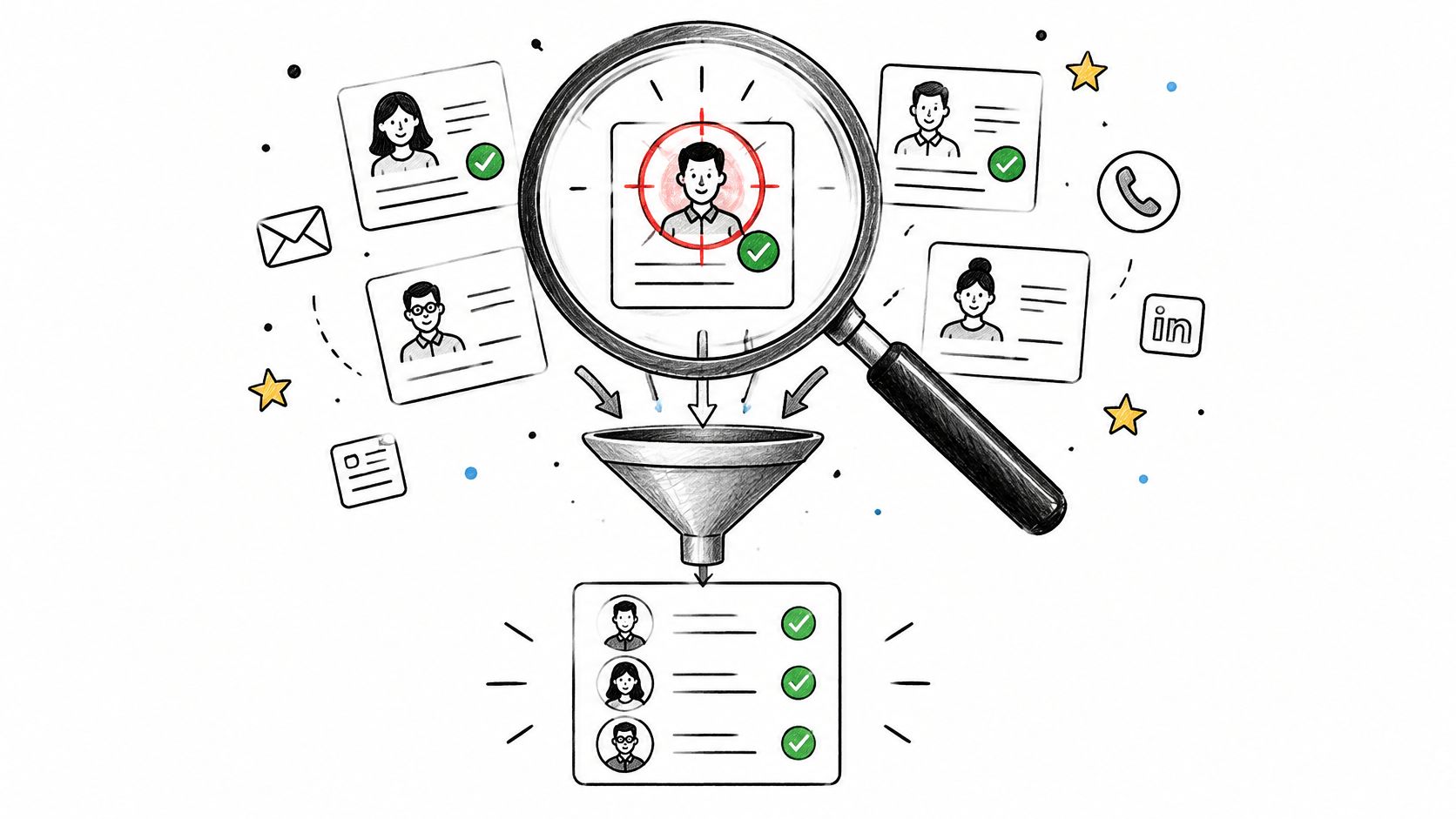
Separate required fields from useful extras. A practical record might include a company name, website, geography, role, work email, and reason for outreach. A recent trigger or technology detail can improve relevance when the source is trustworthy and the information is current. Apollo can support contact discovery and enrichment. Keep each tool's job clear so teams can identify whether a failure comes from data or execution; the sending platform is covered in the infrastructure section below.
Enrich selectively, then clean the output
Enrichment earns its place when it provides evidence that changes targeting or message relevance. Extra fields that no one uses add research work without improving the campaign. If a detail can't be verified or defended in the email, don't build copy around it. An automatically inserted personalization token is still generic if it says nothing useful to the recipient.
Before loading a sequence, remove stale addresses, role mismatches, opted-out contacts, and records that appear unsafe to contact. Keep suppression data shared across workflows. An opt-out in one campaign must prevent another campaign from importing that contact and starting again.
For broader list-building practices, consult the lead generation and list-building guide. Teams assessing LinkedIn workflows can also review which LinkedIn tool wins as a separate tool-selection reference.
The output should be a clean, segmented sheet or CRM view that the system can use. Track accounts that match the ICP separately from accounts with verified, usable contacts. That distinction keeps theoretical market coverage from being mistaken for a ready-to-contact pipeline.
Setting Up the Sending Infrastructure
Before a sequence goes live, set up the sending domain, mailbox ownership, authentication, and suppression process. A sending platform can distribute messages and show deliverability signals, but it cannot fix poor domain configuration or make an unmonitored reply address safe to use. Choose a dedicated sending subdomain that reflects the company's domain, and assign an owner to each operational task.
Instantly can manage sending and provide deliverability visibility. Treat it as the execution layer, not a substitute for sound configuration. The broader cold email infrastructure guide covers the technical components teams need to plan and maintain.

Configure authentication in order
SPF, DKIM, and DMARC have distinct roles. SPF authorizes approved sending services. DKIM adds a signature that authenticates message content. DMARC checks alignment and sets the policy for messages that fail authentication. Configure each correctly rather than treating them as interchangeable.
Publish SPF and DKIM first, then start DMARC in monitoring mode. Review reports to identify legitimate email streams before moving toward enforcement. Align the visible From domain with SPF or DKIM, and enable one-click unsubscribe for promotional messages. Google classifies senders delivering at least 5,000 messages per day to personal Gmail accounts as bulk senders. Those senders must use SPF, DKIM, and DMARC, keep spam rates below 0.1% and prevent them from reaching 0.3% or higher, and provide accessible unsubscribing. Google says unsubscribe requests must be honored within 48 hours. Google's sender requirements make clear that deliverability requires ongoing attention.
Ramp sending volume gradually and monitor bounces and complaints. Warm-up is an operating routine, not a repair method; increasing volume because a platform permits it can put sender reputation at risk. Document thresholds and assign someone to respond when signals worsen.
The following video offers an orientation to the setup before your team documents its own process.
Keep checking authentication, complaints, bounces, and placement by mailbox provider after launch. Infrastructure supports the whole outbound system, from delivery through reply handling, so treat it as ongoing operations rather than a one-time setup.
Designing Sequences That Earn Replies
A sequence earns attention when every message gives the recipient a reason to keep reading. Each touch should clarify the problem, add useful context, or make it easy to end contact. A follow-up that only says “checking in” takes time without explaining why the offer matters.
Build one problem-specific offer per ICP segment. A team selling workflow software to revenue leaders, for example, might focus on a particular handoff problem instead of promising to improve every part of sales. Keep the opening email concise: explain why you're reaching out, name the relevant problem, describe the outcome you can support, and ask one clear question.
Give every touch a job
Map the sequence before writing. The opener establishes relevance and asks a specific, low-friction question. The first follow-up adds context about how the workflow relates to the prospect's situation. A later touch introduces a different angle, while the closing message lets the recipient decline or end the exchange without pressure.
Keep paragraphs short, with one main idea in each email. Avoid attachments in the first touch. Personalization only helps when its source field is accurate and relevant. Adding a company name does not make a message personal if the same pitch could go to any account.
For teams combining email with LinkedIn, HeyReach can support parallel touches. Keep both channels aligned around the same offer, rather than sending disconnected pitches.

Branch on what the recipient does
Set explicit stop conditions before launch. A reply should pause automated follow-ups until someone reviews it. An opt-out should suppress the contact across campaigns. Classify negative responses and handle them appropriately, rather than triggering another automated pitch.
The sequence is one part of a connected system: the ICP shapes the offer, data determines who receives it, and routing controls what happens after a response. Track whether each cohort creates qualified conversations and, ultimately, qualified pipeline per 1,000 delivered emails. Opens and raw replies can help diagnose performance, but they do not show whether the system is reaching the right buyers.
The source cited earlier reports single-digit responses and a difference between smaller, focused campaigns and campaigns exceeding 1,000 prospects. Treat that pattern as a prompt to test comparable cohorts, not a prediction for your market. A sequence is a hypothesis. The useful result is learning which audience and message produce qualified conversations. This guide to a cold email outreach sequence covers how to structure the touches.
Staying Compliant With Major Mailbox Providers
Compliance belongs in the operating workflow, not at the end of a copy review. A sender can have accurate data and a relevant message, yet still create exposure if the identity is misleading, opt-outs aren't honored, or promotional messages lack a functioning unsubscribe mechanism. The more a system automates, the more important it is to make its controls consistent.
The CAN-SPAM Act was signed into law on December 16, 2003, and took effect on January 1, 2004. It applies to commercial messages whether sent manually or automatically. Its requirements include accurate header information, non-deceptive subject lines, identification of commercial content, a valid physical postal address, and a functioning opt-out mechanism. The FTC is responsible for enforcement. The CAN-SPAM overview also describes the historical growth of spam that helped make these controls foundational.
For campaigns aimed beyond the United States, treat CAN-SPAM as a baseline, not a global permission slip. Other jurisdictions may impose stricter consent, legitimate-interest, identification, or suppression requirements. Review the rules that apply to the recipient's location and the nature of the message. This overview of email marketing laws is a starting point for building that review into campaign operations.
Run a pre-send checklist
Google's bulk-sender rules include authentication, easy unsubscribing, and low unwanted-mail rates; Microsoft has also announced requirements for senders delivering more than 5,000 emails per day to Outlook recipients. Microsoft requires SPF, DKIM, and DMARC to pass, with DMARC at least at a p=none policy and aligned with SPF or DKIM. Non-compliant messages may initially go to Junk and may eventually be rejected. Its guidance also requires a valid From or Reply-To address reflecting the true sending domain and a visible, functional unsubscribe option. Microsoft's high-volume sender announcement gives teams concrete checks to apply before increasing volume.
Yahoo requires one-click unsubscribe for promotional or marketing messages, recommends enrollment in its Complaint Feedback Loop, and advises bulk senders to keep complaint rates below 0.3%. Its sender guidance specifies DKIM using a key of at least 1,024 bits. Yahoo's sender FAQs distinguish marketing from transactional messages, which are excluded from the one-click unsubscribe requirement.
Before each send window, confirm authentication and alignment, valid sender and reply addresses, working one-click unsubscribe where required, and global suppression after opt-out. Pause or reduce volume if complaint signals rise. A compliance checklist should live beside the campaign workflow, not in a document no one checks.
Measuring What Actually Matters
A campaign can report strong opens and replies while producing no qualified pipeline. Apple Mail Privacy Protection can preload tracking pixels, and security scanners can trigger link clicks. Reply figures also depend on whether reports include objections, automated acknowledgments, or follow-up replies. Track outcomes across the connected system: ICP, data, sending infrastructure, messaging, routing, and reporting.
Start the funnel at delivery. Track delivery rate, hard-bounce rate, positive replies, qualified meetings, meeting show rate, and opportunity conversion. Break results down by ICP segment, trigger, message variant, and market. An aggregate reply rate can hide a country where the role or offer is not working.
Make the denominator useful
Measure performance against delivered emails, since bounces distort comparisons based on sends. Separate positive replies from objections, referrals, unsubscribe requests, and irrelevant responses. For each meeting, record the segment, signal, and message that produced it. That makes it easier to tell whether a trigger is repeatable or a reply was incidental.
One industry source puts cold B2B reply rates broadly between 3% and 8.5%, while describing the range as directional because definitions and campaign conditions differ. At 1,000 valid deliveries, that range would mean roughly 30 to 85 replies before qualification, not a forecast of meetings or opportunities. The benchmarking discussion underscores why teams should define each metric before comparing campaigns. For guidance on interpreting response rates, see this explanation of cold email response rates.
Measure the business outcome: Qualified pipeline per 1,000 delivered emails connects activity to buyer fit and sales progress, making it more useful than opens or raw replies.
Intent signals can help teams compare which segments and conditions produce stronger results. If a conversation shifts to social DMs or WhatsApp, Manychat and Respond.io can support those channel workflows. Routing tools extend the system; a person still needs clear ownership of each conversation. Lower reply volume can be a good outcome when irrelevant prospects are filtered out and qualified pipeline improves.
Launch Plan and Final Checklist
A practical launch takes discipline more than clever copy. Use a two-week plan to build the system in stages, then keep the decisions in a handoff document so another operator can maintain it.
First week
Define one ICP segment and the offer for it. Decide which data fields are required, source and enrich the records, then remove stale, mismatched, opted-out, and risky contacts. In parallel, set up the sending subdomain, authentication, reply handling, unsubscribe mechanism, and monitoring process. Don't start a sequence while those controls are unresolved.
Second week
Write the sequence and its stop conditions. Review it for market fit, sender identity, and compliance. Begin a cautious warm-up, then run a small controlled test with comparable cohorts. Check delivery, bounces, complaints, positive replies, qualified meetings, and pipeline before considering any increase in volume.
Keep the handoff checklist concise and actionable:
Audience: ICP, geography, role, and trigger are documented.
Data: Required fields are verified and suppression is shared.
Infrastructure: SPF, DKIM, DMARC, reply paths, and unsubscribe handling are checked.
Sequence: Each touch has a purpose and stops on reply or opt-out.
Reporting: Outcomes are segmented and tied to delivered emails.
Ownership: Someone is responsible for monitoring and pausing campaigns.
Pause or reduce volume if complaint signals rise, positive replies deteriorate, or authentication drifts. A documented system is easier to repair and transfer than a collection of sequences owned by one person. The Social Search builds and operates outbound systems for B2B teams, connecting ICP, data, messaging, sending, routing, and reporting while keeping the system documented for client ownership.
The Social Search designs and runs outbound systems for B2B teams selling into APAC and global markets, including list building, email infrastructure, sequencing, routing, and pipeline reporting. If you want a documented cold email automation system built for your team or an embedded operator to run it, visit The Social Search.
