10 B2B Prospecting Tools for Better Outbound Systems
Compare 10 b2b prospecting tools for data, enrichment, sequencing, automation, deliverability, and account research—and learn how to combine them.
Buying the highest-ranked database is popular advice for choosing B2B prospecting tools. It's also an easy way to build a stack that finds contacts but never produces a reliable outbound workflow. A prospecting stack isn't a single tool, and a larger list won't fix inaccurate records, weak messaging, missed follow-up, or unhealthy sending infrastructure.
Use Apollo for contact discovery and enrichment, and consider HeyReach for LinkedIn outreach coordination only where the intended workflow complies with LinkedIn's rules. Instantly fits cold email sequencing, deliverability operations, and warming, while Whitewhale is worth evaluating for intent-triggered prospecting. These are complementary operating layers, not interchangeable subscriptions.
Start with your weakest stage: account discovery, contact accuracy, signal capture, channel execution, inbox protection, or measurement. Then select tools that can pass account context, ownership, suppression status, and outcomes between stages without spreadsheet repairs.
Buy the missing capability, not another version of a capability your team already has.
The integration gap is substantial: an industry compilation of prospecting software statistics reports that 68% of B2B companies use a prospecting tool, but only 31% run prospecting as a tightly integrated system. The practical comparison below focuses on what each resource contributes to that system, where implementation gets difficult, and which complementary tools make sense.
Table of Contents
1. The Social Search

The Social Search sells outbound implementation, not a standalone contact database. Its GTM engineering service is aimed at B2B companies expanding into APAC, founders without SDR capacity, and revenue teams whose existing tools do not work as a connected system.
The service links account prioritization, buyer-focused offers, data enrichment, email and LinkedIn outreach, signal-based routing, and pipeline reporting. Its approach to prospecting within the sales process is relevant when internal ownership breaks down between research, campaign operations, and sales follow-up.
Where the service adds value
Start by assigning workflow ownership. Define account fit, message approval, reply routing, and the criteria for a qualified meeting before configuring tools. That reduces the risk of building a technically connected system with no clear handoffs.
The company offers documented infrastructure, playbooks, and training for handover, or an embedded Fractional GTM Lead/Engineer to run the function. Its engagement overview says typical builds go live in about three weeks, with first outreach within the first month, and targets 8–12 qualified meetings per month by day 90 for a dialed-in list.
Strengths: It connects data, messaging, channels, routing, and attribution, reducing the setup work clients must handle themselves.
Commercial trade-off: The company lists engagements from about $500 for a one-time build to around $10,000 per month for a managed function, depending on scope.
Ownership: Documentation and training support continuity when staff change or clients move execution in-house.
Limitation: Meeting targets are not revenue guarantees. Results still depend on the offer and the sales process after a prospect responds.
The company reports $4M+ in pipeline, 500K+ cold emails, and 50K+ LinkedIn conversations. Its testimonials describe $240K in pipeline in three months, 160 positive recruitment responses in three months, and nearly 30 positive opportunities in a new market in one month (reported results). Treat these as company-reported outcomes, not a forecast for your campaign.
For LinkedIn data collection, review how to scrape LinkedIn data safely. Any workflow must respect platform restrictions and privacy requirements.
2. Apollo.io
Apollo suits teams that need to find contacts and start basic outreach without immediately assembling several platforms. Apollo.io combines a B2B contact database, enrichment, sequencing, and a browser extension, making it a practical starting point for startups and mid-market sales teams.
Its discovery workflow includes email and mobile information, firmographic and technographic filters, and contact capture from LinkedIn and company websites. Built-in sequencing, a dialer add-on, and integrations with HubSpot and Salesforce can keep early operations relatively compact.
Use it as the primary discovery layer
Start with company qualification, then identify the relevant buying roles. Exporting every available contact before confirming account fit creates unnecessary verification work and makes campaign results harder to interpret.
Keep the original source, enrichment date, company domain, and role alongside each record. The implementation considerations in this data enrichment tools guide are useful when deciding which fields Apollo should supply and which require another check.
Best fit: Self-serve discovery and enrichment with basic engagement in the same platform.
Trade-off: Credits, dialer access, and other add-ons affect the usable package. Compare the workflow you need, not just the subscription label.
Validation requirement: Test current titles, usable contact details, and regional coverage against your actual ICP before enrolling contacts.
Recommended workflow: Apollo discovery → CRM deduplication and ownership → selective Clay research → controlled email execution. Keep sequencing in Apollo when that meets your needs; move it elsewhere only when the operational benefit justifies another integration.
Apollo's convenience is a reason to simplify your stack, not permission to skip verification.
3. ZoomInfo SalesOS
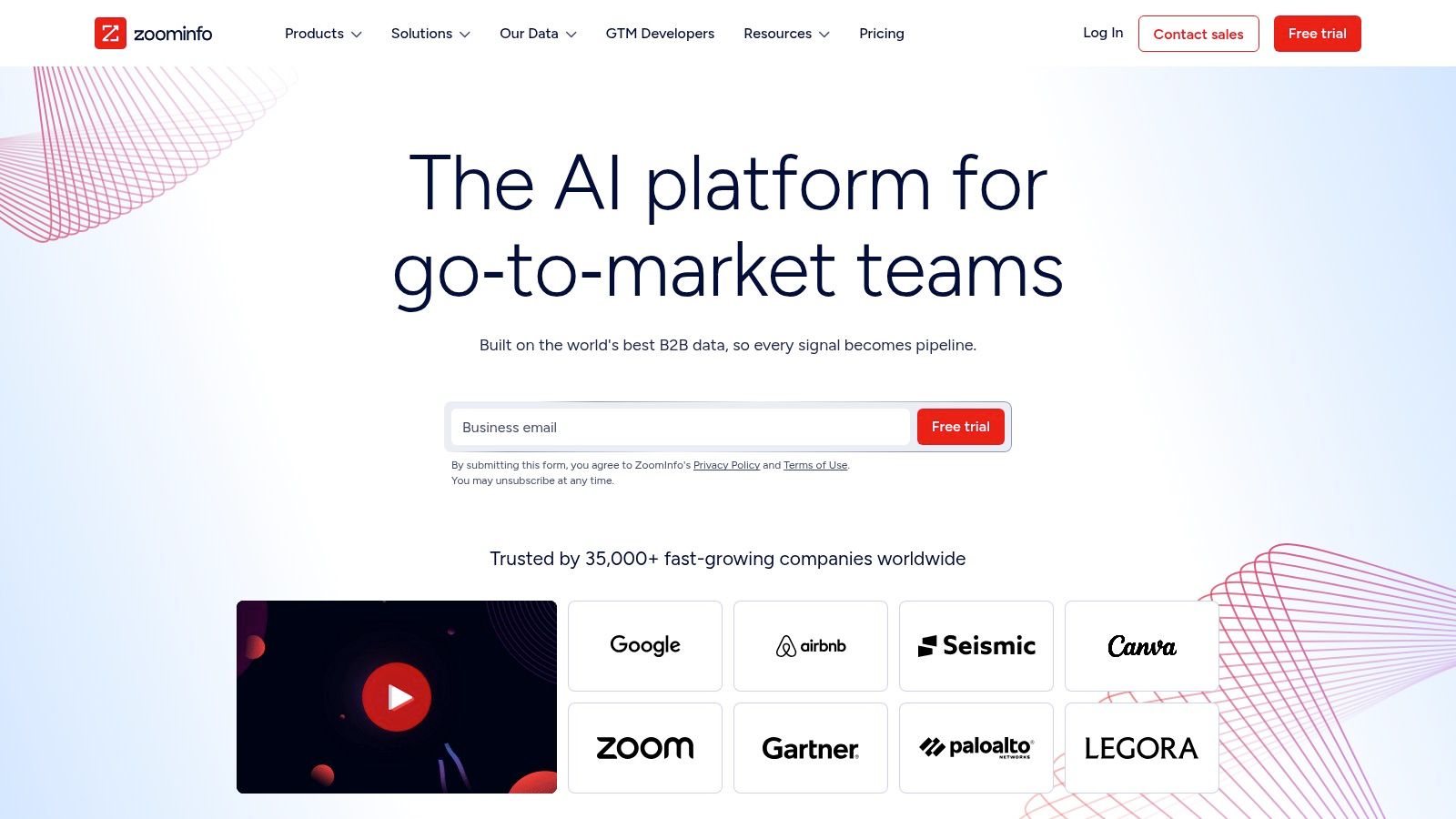
An enterprise team mapping buying committees has a different problem from a founder looking for a prospect's email. ZoomInfo SalesOS fits account intelligence and governed prospecting, particularly where sales operations needs company data, contact records, direct dials, and org charts in connected workflows.
Its offering includes Scoops, intent signals, technology-stack filters, and integrations across CRM, engagement, and data operations. Related products across SalesOS, MarketingOS, Engage, and Operations broaden the ecosystem, but they also make package definition important.
The purchasing risk is scope mismatch. A team can buy enterprise breadth while still lacking clear account selection, field ownership, or campaign execution rules.
Procurement rule: Ask the vendor to demonstrate your account-to-CRM-to-outreach workflow using your target market, not a polished sample territory.
Require the demonstration to show duplicate handling, owner assignment, enrichment updates, signal routing, and suppression. An intent flag is only useful if a rep can inspect the underlying context and identify an appropriate stakeholder.
Advantages: Administrative controls, account mapping, and a broad product ecosystem can support established sales operations.
Limitations: Custom annual contracts and multi-seat requirements can be difficult for smaller teams. Niche coverage and accuracy still need testing.
Implementation burden: Someone must govern fields, resolve conflicting data, and maintain the integrations after launch.
Recommended workflow: ZoomInfo supplies account and contact intelligence → CRM applies territory and ownership rules → Clay adds narrowly defined research → the approved channel workflow handles execution.
Choose it when governance and account depth are genuine requirements. Don't buy enterprise complexity merely to obtain another list of names.
4. Cognism

For calling-led outbound, usable mobile data deserves its own evaluation. Cognism is a sales intelligence option to shortlist when phone verification and GDPR-aware operating processes matter, particularly for EMEA-focused teams.
Its Diamond Data offering emphasizes phone-verified contacts, supported by compliance resources, a DPA, and a trust center. Cognism also offers US and APAC coverage and on-demand mobile verification options, but teams shouldn't assume that every region has equivalent depth.
Test the territory, not the reputation
Use a representative account list with the countries, industries, and buying roles you intend to pursue. Check whether the contact still works at the company, holds the relevant responsibility, and has a usable phone number.
Cognism's EMEA orientation may suit a European calling motion, while APAC expansion calls for more explicit coverage testing. The qualification mindset in these prospecting techniques is useful for separating actionable records from superficially complete profiles.
Best use: Enriching prioritized accounts for a phone-led workflow.
Strength: Mobile verification and accessible governance documentation.
Trade-off: Quote-based packaging may include platform, seat, and credit components. Confirm the actual entitlement before committing.
Compliance documentation doesn't establish your lawful basis. European Commission guidance on legitimate interests requires consideration of individuals' rights, current contact lists, objection handling, appropriate notices, and applicable email rules.
Recommended workflow: Sales Navigator account mapping → Cognism contact enrichment → CRM consent and suppression checks → calling tasks with documented outcomes. Feed invalid numbers and role changes back into the shared record.
5. Lusha
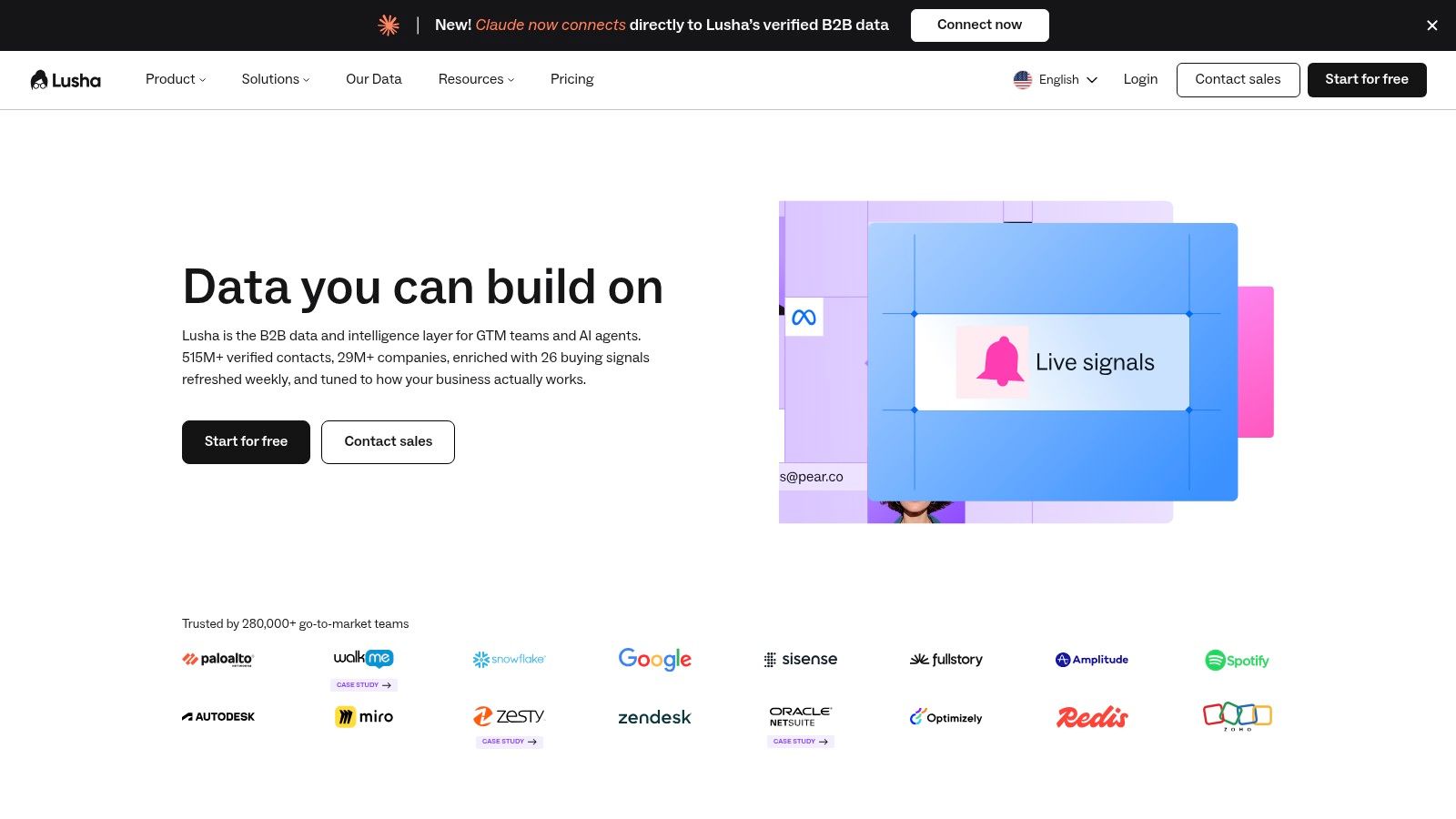
Sometimes the right tool is a straightforward contact lookup, not an enterprise intelligence suite. Lusha provides email and direct-dial discovery through a web app and browser extension, with free and paid self-serve plans.
That can fit an SDR team whose reps already know which accounts to pursue. Instead of redesigning discovery, the team needs a repeatable way to obtain contact details and move qualified records into its CRM or outreach tool.
Keep credit usage tied to account value
Reveal data after confirming that the person fits the target role. Accessing contact details while browsing loosely defined searches consumes credits before the team knows whether it can use the record.
Lusha uses credit-based packaging, with rollover or discounts available on some higher tiers. Review what each plan charges for email, phone, exports, and the intended integration workflow rather than treating every lookup as economically equivalent.
What works: Self-serve onboarding and a simple discovery-to-capture process can suit smaller teams.
What needs testing: Mobile accuracy and data depth across your industries and regions.
Where costs expand: Heavy dialing may require larger credit bundles or higher-tier access.
Recommended workflow: Sales Navigator identifies the buyer → Lusha supplies available contact details → CRM checks duplicates and ownership → the rep receives a qualified outreach task.
Avoid automatic enrollment because Lusha returned an email address. A deliverable address says nothing about account fit, buying responsibility, or whether your message contains a credible reason to engage.
6. Clay
A database answers which records it has. Clay helps operators build a workflow around the records they need, using multi-provider enrichment, API connections, AI-assisted research, and routing.
Claygent supports web research and custom enrichment fields, while waterfall enrichment can try another provider when a previous step returns an insufficient result. Bringing your own API keys adds flexibility, but doesn't remove the need to understand provider costs and workflow behavior.
The advantage is conditional execution. Qualify the company before spending on contact enrichment, research only the fields needed for the offer, and route records only after they pass validation.
An AI-generated research field should be treated as a draft until its supporting evidence is inspectable.
That matters when a research result becomes a factual claim in an email. Store the evidence URL and observation date beside the result, and reject unsupported conclusions instead of turning them into confident personalization.
Strengths: Custom lists, multi-source enrichment, and signal-driven routing.
Trade-offs: Actions and data credits need separate budgeting. Workflow expertise and maintenance are ongoing requirements.
Failure mode: Repeatedly processing the same records because deduplication, retry conditions, or completion states weren't defined.
Recommended workflow: Apollo or Sales Navigator supplies candidates → Clay checks fit and fills missing fields → validated trigger context enters the CRM → approved records reach outreach.
Clay is a strong option when someone owns the workflow. Without that owner, flexibility can become a collection of expensive, fragile experiments.
7. LinkedIn Sales Navigator
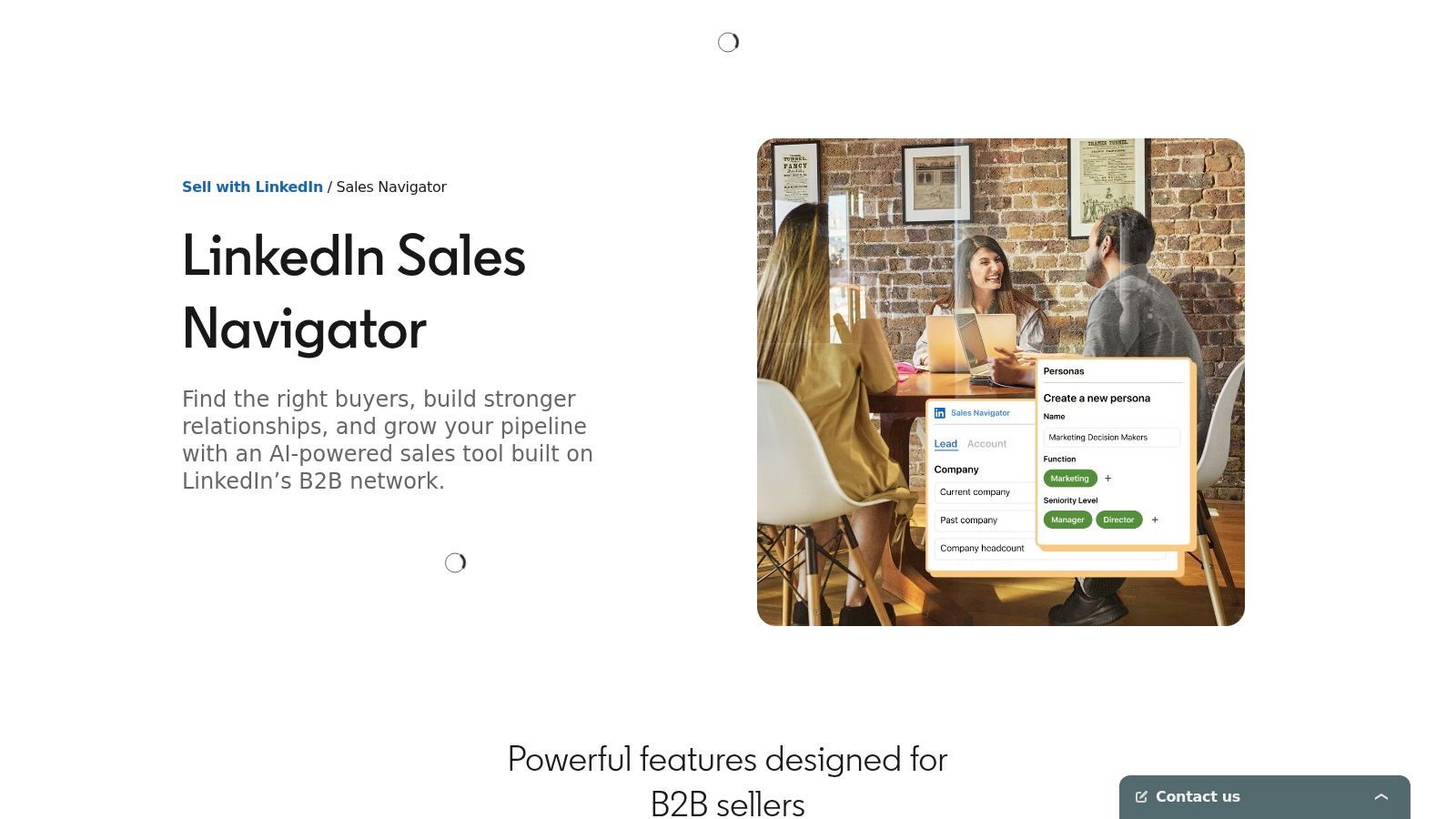
When regional databases miss relevant buyers, start with account mapping rather than repeated email searches. LinkedIn Sales Navigator supports professional-profile discovery, advanced people and company search, saved lists, and relationship intelligence.
Role-change and account-activity alerts can provide reasons to revisit a prospect. InMail and connection workflows offer native engagement options, while Core, Advanced, and Advanced Plus packaging determines the available collaboration and integration capabilities.
Separate discovery from permission to automate
Sales Navigator is useful for identifying stakeholders in APAC accounts where titles and company structures need closer inspection. It doesn't supply the email and phone enrichment layer described for the contact-data tools above.
For implementation planning, compare LinkedIn outreach automation tools by permitted actions and oversight, not by promises of unrestricted volume. LinkedIn's prohibited software guidance explicitly prohibits bots and unauthorized methods that access the service, collect contacts, send messages, or automate engagement.
Strength: Professional context, account mapping, and relationship signals.
Limitation: Separate enrichment may be needed for email or calling.
Commercial consideration: Plans, trials, usage limits, and integration access can vary by region or account.
Recommended workflow: Build account and buyer lists in Sales Navigator → verify responsibilities → enrich through an appropriate provider → route approved contacts to permitted outreach tasks.
Human review alone doesn't make prohibited automation compliant. Keep native LinkedIn activity within the platform's rules, and evaluate any external execution tool against those rules before connecting accounts.
8. LeadIQ

LeadIQ fits the handoff between rep research and the CRM. LeadIQ focuses on contact capture from LinkedIn and websites, enrichment, and synchronization with CRM or engagement platforms.
Its browser extension supports one-click capture, while company and people search, verified contact data, and AI-assisted messaging broaden the prospecting workflow. Champion and job-change tracking are useful capabilities to evaluate when existing relationships are part of the sales motion.
Make capture produce a usable record
The important test isn't whether a rep can save a contact quickly. It's whether the saved record has the right account association, owner, source, role, and suppression status without another person repairing it.
Build those requirements into the capture process. The workflow considerations in lead generation list building help distinguish an organized prospect list from a collection of disconnected contact records.
Advantages: A focused capture, enrich, and sync workflow can reduce manual handoffs.
Governance fit: Admin controls and managed packages can support sales operations oversight.
Limitations: Search depth may be simpler than a full intelligence suite, and phone-heavy usage may require a different package.
Recommended workflow: A rep identifies the buyer → LeadIQ captures and enriches the contact → CRM validates ownership and qualification → the engagement tool receives an approved record.
Treat job changes as a prompt for research, not an automatic pitch. A previous champion's new role may create a relevant conversation, but the new employer still needs to fit your ICP and offer.
9. RocketReach

A secondary contact source can be more useful than another all-in-one platform. RocketReach fits targeted email and phone lookups, with tiered plans, export allowances, and API access for programmatic workflows.
Use it when a prioritized contact is missing from your primary provider or when conflicting details need investigation. Its narrower scope can suit light or medium lookup needs, but it doesn't replace account qualification, signal capture, or outreach operations.
Contact freshness is the implementation issue to solve. A compiled report on B2B data accuracy cites approximately 2.1% monthly contact-data decay, equivalent to roughly 22.5% annually when compounded.
Use a fallback, not indiscriminate duplication
Recheck strategically important records before enrollment, and preserve each provider's source and verification date. Agreement between providers is useful evidence, but it isn't proof if both records are stale.
Best fit: Filling gaps in an already qualified list.
Strength: Straightforward contact lookup and API-based enrichment.
Trade-off: Exports or API work may be necessary to connect the result to your operating system.
Limitation: Phone accuracy and coverage still require territory-specific testing.
Recommended workflow: Primary discovery provider → missing-data filter → RocketReach lookup → validation → CRM update.
Keep fallback enrichment selective. Paying to re-enrich every record adds work without necessarily improving the list, while unresolved provider conflicts should create a review task rather than overwrite the CRM.
10. Clearbit (HubSpot)

For HubSpot-centered teams, native enrichment can be more valuable than another standalone data interface. Clearbit, acquired by HubSpot and integrated into its ecosystem, including Breeze Intelligence, belongs in the CRM enrichment and routing layer.
The relevant capabilities include company and contact enrichment, HubSpot-native provisioning, usage-based packaging, batch enrichment, and integration with CRM processes. Evaluate the current HubSpot offering rather than assuming historical standalone Clearbit plans remain the purchasing path.
Protect the system of record
Before enabling enrichment, define which fields the service may update and which sales-validated fields it must preserve. A native connection reduces integration work, but it doesn't resolve disagreements between provider data and a rep's verified account knowledge.
Apply enrichment to specific qualification, segmentation, and routing needs. Avoid collecting fields because they're available.
Best use: HubSpot workflows that need cleaner company and contact attributes.
Advantage: Native provisioning can reduce the burden of connecting separate enrichment vendors.
Trade-off: Value is lower outside the HubSpot ecosystem, and purchasing has shifted into HubSpot offerings.
Control requirement: Track enrichment provenance and prevent unwanted overwrites.
Recommended workflow: New or incomplete CRM record → native enrichment → ICP qualification → territory assignment → approved sales task or sequence enrollment.
Keep qualification and buying intent separate. Enriched company attributes can establish that an account fits your market, but they don't establish that a buyer has an active project or wants a sales conversation.
Top 10 B2B Prospecting Tools Comparison
Provider | Core Capabilities | Standout Value | Best Suited To | Pricing / Value |
|---|---|---|---|---|
🏆 The Social Search | ★ End-to-end outbound: ICP, data, messaging, email, LinkedIn, routing, and reporting | ✨ APAC-aware, transferable systems; optional embedded fractional GTM leadership | 👥 B2B teams building pipeline or expanding into APAC | 💰 About $500 for a one-time build to around $10,000/month managed |
Apollo.io | Contact database, enrichment, sequencing, and CRM integrations | ✨ Prospect data and basic outreach in one self-serve platform | 👥 Startups and mid-market sales teams | 💰 Tiered plans; credits and add-ons can increase costs |
ZoomInfo SalesOS | Enterprise contact and company data, intent signals, org charts, and integrations | ✨ Broad data and connected enterprise product ecosystem | 👥 Larger teams needing governance and sales intelligence | 💰 Custom annual contracts; often costly for small teams |
Cognism | Sales intelligence, phone-verified data, and compliance resources | ★ Strong EMEA mobile data and compliance support | 👥 Calling teams prioritizing GDPR-aware processes | 💰 Quote-based; confirm coverage and total costs |
Lusha | Contact discovery via web app and browser extension | ✨ Straightforward, self-serve contact capture | 👥 SDR teams needing quick access to emails and direct dials | 💰 Free and paid plans; credit-based usage |
Clay | Multi-source enrichment, AI-assisted research, and workflow automation | ✨ Customizable, signal-driven prospecting workflows | 👥 Teams with skills to build and maintain automations | 💰 Credit-based plans; usage depends on workflows |
LinkedIn Sales Navigator | Professional-network search, account mapping, and activity alerts | ✨ Relationship insights and global profile discovery | 👥 Sellers prospecting and mapping accounts, including in APAC | 💰 Multiple plans; enrichment may require another provider |
LeadIQ | Contact capture, enrichment, CRM sync, and job-change tracking | ✨ Streamlined LinkedIn-to-CRM workflow | 👥 SDR teams focused on fast prospect capture | 💰 Tiered plans; higher-volume dialing may cost more |
RocketReach | Email and phone lookups, exports, and API access | ✨ Simple supplementary lookup and verification | 👥 Teams needing light-to-medium contact research | 💰 Tiered plans; entry options can be accessible |
Clearbit (HubSpot) | Contact and company enrichment in HubSpot workflows | ✨ Native fit with HubSpot CRM processes | 👥 Teams already using HubSpot across GTM | 💰 HubSpot packaging and usage-based credits |
Build the Workflow Before You Buy the Stack
A prospecting stack fails when its handoffs are unclear, not because it lacks another tool. Build the operating workflow first: define the ICP, identify and capture accounts, enrich records, check relevant signals, choose an outreach channel, and measure replies, meetings, and pipeline. Assign an owner and a pass-or-stop rule to each stage.
For a starter setup, use Sales Navigator or Apollo to find accounts, then Clay or a regionally appropriate provider such as Cognism to enrich records. Add Whitewhale to evaluate relevant triggers. Use HeyReach only for LinkedIn outreach configured to follow platform rules, and Instantly for controlled email sending and warming. These tools cover different jobs; confirm that records and suppression decisions carry through before increasing activity.
Validate the handoffs before increasing activity
Track data validity, signal-to-meeting conversion, positive reply rate, mailbox health, and pipeline by source. Keep account records, trigger evidence, message versions, sequences, and meeting outcomes connected. That trail lets sales operations identify where a record came from and why it entered the pipeline.
A role change, company announcement, or research signal can prompt investigation. It does not prove budget, authority, or readiness to buy. Cyndra's AI prospecting guide is useful when setting up AI-assisted research and qualification.
Review uncertain signals: Keep evidence available for inspection before using a trigger as a factual claim.
Synchronize suppression: Ensure objections, invalid records, and existing opportunities block inappropriate enrollment across channels.
Measure commercial outcomes: Report positive replies, qualified meetings, opportunities, and closed revenue separately.
Assign maintenance: Name who fixes broken integrations, stale records, routing errors, and missed replies.
Email execution needs controls too. Google's bulk sender guidance applies to senders approaching 5,000 messages to personal Gmail accounts within 24 hours. The requirements introduced in February 2024 cover authentication, unwanted-message prevention, and easy unsubscribe.
Google recommends keeping reported spam below 0.1% and preventing it from reaching 0.3%. Senders exceeding that threshold need seven consecutive days below 0.3% to regain mitigation eligibility under the same Gmail requirements. Warming cannot replace relevant targeting, authentication, suppression, or recipient choice.
Give buyers a reason to trust the outreach
Contact accuracy gets a message to the right person; credible evidence gives that person a reason to engage. Forrester's buyer-trust research reports that 82% of B2B buyers trust coworkers and management, while 79% trust vendors they already work with.
Use genuine customer evidence, relevant expertise, and accurate account context. Buyers may check claims before replying, so outreach and public-facing content should tell a consistent, verifiable story.
When You Want the System Built for You
Teams without implementation capacity can work with The Social Search to design, connect, document, and operate the system while retaining client ownership. The goal is a process the team can run, inspect, and improve, not a longer list of subscriptions.
The Social Search builds outbound systems spanning ICP research, prospect data, buyer-focused messaging, email and LinkedIn operations, and pipeline reporting. Visit The Social Search to discuss a one-time system build or embedded fractional GTM support for an APAC or global prospecting workflow.
