7 ABM Landing Pages That Convert Target Accounts in 2026
Explore 7 real-world ABM landing pages and the tools that power them. Learn replicable strategies for personalization and conversion for B2B.
You’re staring at a target-account list, a half-built campaign, and a landing page that still feels too generic to matter. The emails are personalized, the LinkedIn touches are sharp, but the click leads to a page that could belong to almost anyone. That’s the gap abm landing pages are supposed to close, and the tools below show different ways to do it.
The strongest pages don’t just swap a logo and call it personalization. They connect the outreach motion to the page experience, use account-aware messaging, and make the next step feel obvious to the buyer. That’s why the benchmark gap matters, 15–25% average conversion for ABM-personalized pages versus 5–10% for generic pages, with one cited example showing 34% versus 11%, plus 80% higher ACV and a 150%+ increase in sales-qualified pipeline in a Snowflake use case, as reported in GenPage’s 2026 ABM landing page guide.
If you’re building for named accounts, the question isn’t whether personalization works. It’s which stack gives you the right mix of speed, control, and account-level visibility. For a broader perspective on page structure, Exclusive Addons’ guide on landing pages is a useful baseline, but ABM needs a more opinionated setup than a standard conversion page.
Table of Contents
1. Mutiny
Mutiny is the cleanest fit when you want website and microsite personalization without turning every campaign into a dev project. It sits well in the 1:many to 1:1 range, which matters because most ABM teams don’t need fully bespoke engineering for every account. They need a fast way to change the message, the CTA, and the supporting proof by segment or account, and Mutiny is built for that.

Why it works in real GTM motion
The best use case is a team that already has solid account data and wants to move faster on personalized page variants. Mutiny’s no-code editor makes it practical to change headlines, CTAs, modules, and assets by account or segment, while the prebuilt ABM page blueprints help teams avoid starting from scratch. Its integrations with 6sense and Clearbit make it easier to connect identification and enrichment to the page experience, which is where many ABM programs either get stuck or get shallow.
Practical rule: use Mutiny when your team can already identify the right accounts and just needs a faster on-site personalization layer. If the data is weak, the page won’t rescue the motion.
The trade-off is cost and operational fit. Mutiny is usually a better match for teams with enough traffic and enough account quality to justify a higher-end platform, not for low-volume sites hoping personalization alone will lift performance. That lines up with what a conversion-focused team would expect from a premium website layer, especially if you’re comparing it with a broader design approach like this conversion-focused website design guide.
Where Mutiny fits best
Mutiny is strongest when the outreach, paid social, and website story are already aligned. If sales is running account-specific LinkedIn plays and marketing wants the page to continue that story, Mutiny gives you a credible path from click to meeting without a rebuild every time.
2. Demandbase Personalization
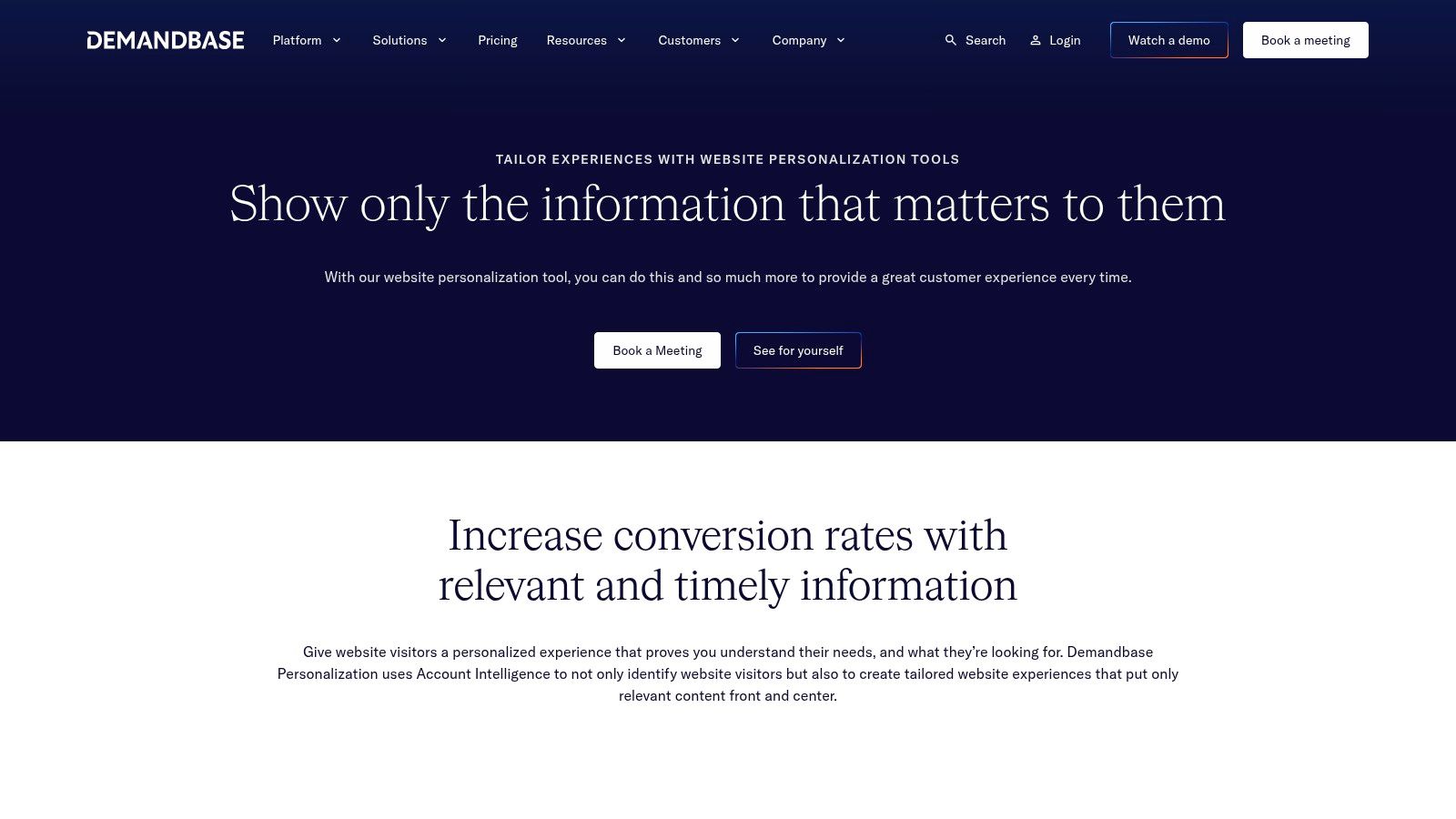
Demandbase Personalization makes the most sense when ABM is already a company-level operating model, not a side project. It’s part of the broader Demandbase One stack, so you’re not buying a page tool in isolation. You’re buying an account-intelligent system that can tie personalization to ads, analytics, and intent signals in one place.
What enterprise teams actually get
The value here is control. Demandbase lets teams personalize pages and site modules by account, industry, journey stage, and intent, while keeping the workflow anchored to account lists and broader ABM reporting. That matters when marketing, ops, and sales all need the same source of truth for who saw what and why.
It’s also a sensible fit for organizations that already use Demandbase for ads or predictive workflows. A single-vendor path reduces the number of moving parts, which is helpful when campaign governance is tight and multiple stakeholders want visibility into the same motion. The downside is obvious, the packaging is enterprise-oriented, pricing isn’t public, and the rollout can demand more internal maturity than lighter tools.
A useful way to think about it is this, Demandbase is less about quickly hacking together a landing page and more about controlling the full account experience. If your team wants a broader demand framework to sit under the ABM motion, the context in this demand generation overview makes the fit easier to see.
Where Demandbase shines
Demandbase is strongest when you already have named account strategy, intent data, and ad orchestration in motion. The page becomes one piece of a larger system, not the whole system. If your GTM team wants disciplined segmentation and reporting, that’s an advantage. If you want speed without platform complexity, it’s probably too much tool for the job.
3. Hushly
Hushly is the most interesting option for teams that want to wrap personalization around existing pages instead of rebuilding the whole experience. Its PageSherpa Chrome extension stands out because it lets teams turn an existing landing page into a 1:1 account experience quickly. That can be the difference between shipping ABM and waiting for a redesign cycle that never really clears.
The main advantage is speed
Hushly’s appeal is that it works like a layer on top of your current stack. Instead of demanding a rebuild, it gives you point-and-click personalization, lead capture, enrichment, consent management, content hubs, and ABM analytics in one platform. That combination is useful when marketing wants to test account-level messaging without asking engineering for a new sprint every time.
The strongest fit is a team that already has a decent landing page foundation and wants to make it account-aware fast. Hushly’s native integrations with ABM and intent platforms, including Demandbase and 6sense, help the page react to known visitors rather than generic traffic. That said, the tool only pays off when account identification is reliable and the site has enough traffic to make the personalization visible.
The biggest mistake is treating Hushly like a magic conversion layer. If the account data is thin or the offer is weak, the page still underperforms.
For teams thinking about how conversion logic works across the funnel, this conversion rate optimization guide pairs well with the way Hushly forces you to think about message fit, not just layout.
Where Hushly fits best
Hushly is a strong choice for 1:1 and 1:few programs that need to move now. It’s less about flashy design and more about getting a credible account-specific page live before the buying window closes.
4. Folloze
Folloze feels built for people who have to ship account experiences, not just spec them. Its board-based microsites are practical for 1:few and 1:1 motions, but a key benefit is how well it supports sales and marketing working from the same account destination. Deal rooms, event follow-up, sales enablement, and personalized microsites all fit the same operating model.
Why practitioners keep it in the mix
Folloze is especially useful when frontline sellers need to move fast on target accounts. The brand-safe templates and dynamic sections give teams enough structure to stay consistent without making every page feel templated. Its signal capture also goes beyond clicks, which is important because in ABM, interest in a feature or use case can matter as much as a form submission.
The integration story is another reason it shows up in serious ABM stacks. Connections with 6sense, Demandbase, Salesforce, and Marketo let the experience sit closer to the revenue system instead of living as a one-off campaign asset. That makes it easier to tie a microsite to pipeline conversations, especially when multiple stakeholders from one account are engaging.
A good way to use Folloze is to treat it as an account workspace, not just a page builder. It works best when the page is part of the conversation sales is already having. That’s where the internal logic of marketing automation becomes relevant, because the follow-up, routing, and content progression matter as much as the first click.
Where Folloze fits best
Folloze suits teams that need account destinations to serve more than one purpose. If you want a microsite for a deal, an event, and a follow-up sequence without changing platforms every time, it gives you a durable operational layer.
5. PathFactory
PathFactory is the strongest choice when the page is really a content journey. It doesn’t try to be a full website personalization platform first. Instead, it organizes buyers into curated tracks, then measures how named accounts and buying groups move through those experiences. That makes it a smart destination for ABM outreach that needs more than a single CTA.
Content journeys are the point
PathFactory is useful when your audience needs education before conversion. Instead of forcing every account into a demo request, it can route people into a track that matches their behavior and account context. The platform’s AI-powered content recommendations help extend the journey, while its account-level analytics show whether the buying committee is consuming the right material.
That matters because ABM landing pages aren’t always about a hard sell. Sometimes the job is to continue the conversation from an email or ad and guide the account into a more informed next step. PathFactory does that well, especially for teams with a serious content library and enough discipline to maintain it.
The trade-off is scope. It’s strongest as a content experience layer, not a full-site personalization engine. If your team needs everything from site-wide message changes to deep account routing, you’ll probably need another tool in front of it or beside it.
Practical rule: use PathFactory when the destination should educate and qualify, not just convert. If the buying committee needs context, this is a stronger play than a single static page.
Where PathFactory fits best
PathFactory works best when content consumption itself is a signal. If your motion depends on multi-thread engagement, use it to create the right reading path, then let sales act on the behavior.
6. Uberflip
Uberflip is still one of the more flexible content-experience platforms for ABM, especially if you care about rich media and personalization across personas. Its Streams model helps teams build destinations for accounts, industries, and use cases, while the Uberflip Pages setup gives you a no-code way to host personalized content experiences. That combination makes it useful for campaign teams that want more than a standard landing page.
Strong on content, not full site control
Uberflip’s integrations with Demandbase, 6sense, Bombora, and Clearbit make it easier to personalize destinations using intent and enrichment data. That’s valuable when the visitor should see the right stream, the right assets, and the right CTA without manual page-by-page rebuilding. It’s also a good fit for teams that use video and other rich assets heavily in their ABM motion.
The limitation is important. Uberflip is not a full website editor, so it works best as the campaign destination layer rather than the whole site experience. That’s not a flaw if you know the role it should play. It becomes a problem only when teams expect it to behave like a broader CMS replacement.
Pricing is also quote-based, so buyers need to be realistic about fit and scale. In practice, Uberflip is a tool for teams that already have a content engine and want to turn that content into a targeted destination with enough personalization to matter.
Where Uberflip fits best
Use Uberflip when content depth is a selling point. It helps if your ABM motion leans on assets, video, and structured journeys, especially when each account needs a slightly different path to value.
7. Terminus Web Experiences
Terminus Web Experiences, now under DemandScience, is a straightforward answer for teams that want lighter-weight on-site personalization. It layers banners, pop-ups, fly-ins, and landing page variants onto existing pages with a WYSIWYG builder, which makes it useful for faster ABM nudges without re-architecting the whole site.
Best for lightweight on-site motions
The main strength here is speed of deployment. If you want to personalize the current site for named accounts, this tool gives you a way to do it without a massive build. That makes it a decent fit for 1:many programs where the goal is to guide attention, reinforce relevance, and keep the account moving.
Its position inside the broader DemandScience suite also matters. Teams can coordinate web experiences with ads, chat, and email, which is useful when you don’t want the page to feel disconnected from the rest of the campaign. The educational resources around segmentation and launch help reduce the learning curve too, especially for teams that are new to on-site ABM.
The downside is the obvious one. Visual-editor tactics are lighter than a true page re-architecture, so if your use case demands deep account storytelling, Terminus can feel thin. Buyers also need to evaluate current support and roadmap expectations under DemandScience rather than relying on old assumptions about the standalone Terminus brand.
For a broader lead-gen lens, the framing in this B2B lead generation guide fits the way Terminus usually gets deployed, as part of a multi-touch motion rather than a standalone page strategy.
Where Terminus fits best
Terminus is best when the page needs to participate in the campaign, not carry the entire weight of personalization. It’s a solid way to add account-aware signals to existing assets without a huge implementation burden.
ABM Landing Pages: 7-Platform Comparison
Solution | 🔄 Implementation Complexity | ⚡ Resource & Data Needs | ⭐📊 Expected Outcomes | 💡 Ideal Use Cases | ⭐ Key Advantages |
|---|---|---|---|---|---|
Mutiny | Low–Moderate, no-code editor, quick stand-up | Needs firmographic/intent enrichments and sufficient traffic | Higher engagement/conversion for target accounts (1:many → 1:1) | B2B teams wanting fast ABM pages/microsites without developers | Fast time-to-value; strong partner ecosystem; AI-assisted content |
Demandbase Personalization | High, enterprise workflows and governance | Heavy: unified account intelligence, CRM, intent data | Deep account-level metrics and coordinated pre/post-click experiences | Large enterprises running ABM with ads, analytics, and predictive models | Unified ABM suite; robust segmentation and measurement |
Hushly | Low, point‑and‑click overlay (PageSherpa) on existing pages | Relies on accurate account ID and steady traffic | Rapidly deployable 1:1 LPs; documented lift with intent partners | Wrapping existing landing pages for 1:1 or 1:few ABM programs | Quick deployment without rebuild; lead capture + consent tools |
Folloze | Moderate, board/microsite builder with templates | Integrations and process for managing many microsites | Measurable pipeline impact for named-account programs | Deal rooms, event follow-up, sales enablement, 1:few & 1:1 boards | Marketer/seller friendly; brand-safe templates and dynamic sections |
PathFactory | Moderate, content-track orchestration and routing | Requires rich content library and account engagement signals | Accelerated content consumption and buying-group engagement insights | Content-driven ABM destinations and ABM ad/email landing pages | Strong content analytics; AI content recommendations |
Uberflip | Moderate, Streams/Pages for personalized content experiences | Needs diverse content/video assets and enrichment integrations | Improved content engagement and richer account destinations | Content/video-rich microsites for accounts, personas, industries | Broad content/video integrations; proven ABM workflows |
Terminus Web Experiences (DemandScience) | Low, WYSIWYG overlays (banners, modals, variants) | Works with DemandScience stack and segmentation data | Quick ABM nudges and targeted on-site experiences (lighter weight) | 1:many web nudges, ad/chat/email orchestration | Fast layering on existing pages; integrated with ABM/demand suite |
Final Thoughts
ABM landing pages work because they keep the promise your outreach makes. When the click lands on a generic page, the motion gets weaker immediately. When the page reflects the account, the role, and the buying context, you give the buyer a reason to keep going.
The performance gap is real. Published benchmarks put ABM-personalized pages at 15–25% conversion versus 5–10% for generic pages, with a separate playbook pointing to 8–25% conversion on named accounts and flagging under 5% on a 1:1 page as a warning sign, not a win. The same benchmark set also calls 25–35% bounce rate typical, under 40% healthy, and 90+ seconds of average time on page plus 60%+ scroll depth as signals that target accounts are engaging. Those aren’t vanity numbers, they’re evidence that the page is doing its job.
The tool choice depends on your operating model. Mutiny and Demandbase Personalization make sense when you have mature ABM infrastructure and want tighter control. Hushly, Folloze, and Terminus Web Experiences are better when speed and layering over existing assets matter more than rebuilding the whole experience. PathFactory and Uberflip shine when the destination is really a content journey, not just a form. The right answer is the one that matches your current account motion, your data quality, and your team’s ability to ship pages without turning every launch into a bottleneck.
What does not work is easy to spot. Logo swaps, shallow token replacement, and pages that ignore the outreach context all undercut the campaign. The teams that win treat the page as part of the GTM system, not as a decorative afterthought.
If you’re building ABM pages that need to connect outreach, personalization, and pipeline, The Social Search can help design the underlying GTM system, from account selection and messaging to the outbound motion that sends the right traffic to the right page. Visit The Social Search to see how their outbound and GTM engineering work can turn named-account activity into qualified conversations.
