10 Email Sequencing Tools for Outbound Teams in 2026
Compare 10 email sequencing tools for outbound teams on deliverability, automation, integrations, pricing, and trade-offs before you buy in 2026.
Picking by monthly price and how polished the sequence builder looks is the fastest way to buy the wrong tool. Teams often learn that after launch, when deliverability, mailbox capacity, and reply handling decide whether anyone sees the emails at all. A cheaper sequencer that burns domains or loses replies outside the CRM isn't cheap.
This list compares ten email sequencing tools on what happens after launch. I grouped them by the job they do best, not by a single score, because a founder building outbound from scratch doesn't need what an agency running dozens of mailboxes needs. Follow-ups matter enough to get this right, since a BuzzStream review of more than 65,000 campaigns found sequences with follow-ups produced an 85% higher reply rate than one-and-done campaigns.
For prospect data alongside sequencing, Apollo combines search and outreach in one place. For cold email built around sending infrastructure and warm-up, evaluate Instantly early. If you're adding LinkedIn touches later, HeyReach fits that channel, and you can build lead lists with web data before anyone gets sequenced. Teams that want the list built and the system run for them can compare options with The Social Search.
Table of Contents
1. Apollo
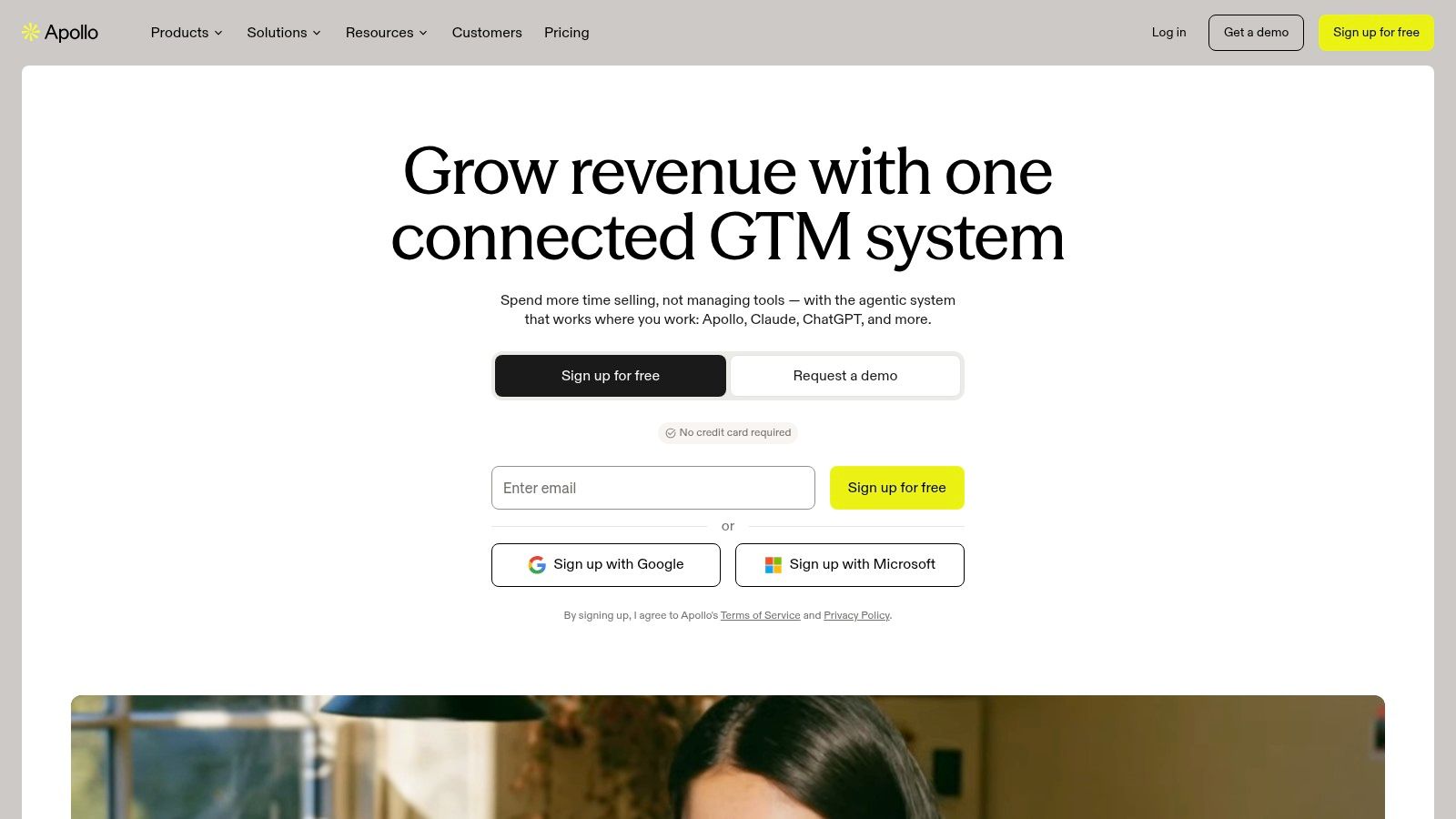
Apollo is the practical starting point if you don't have a prospect database yet. Search, enrichment, and sequencing live together, so you can go from a filtered list to a live campaign without stitching tools together on day one.
What you get after launch
Contact and company search: Build lists and enroll contacts without a separate data purchase.
Multitouch sequences: Mix email steps with call and social tasks for reps.
CRM integrations and automation: Paid plans push activity into your pipeline records.
A free plan lets you test basic workflows, and listed annual billing starts at $49 per user per month. That transparency helps founders model costs, but watch credits closely. Data exports, enrichment, and sending usage all draw on plan limits, and the bill climbs once several reps prospect daily.
Apollo's trade-off is specialization. It's less focused on cold email infrastructure than dedicated sending platforms, so mailbox health still needs your attention. For context on expectations, Division50's summary of Belkins data put the average B2B cold email reply rate at 5.8% in 2024. If you're weighing broader stacks, compare it against this guide to the best outbound sales software before committing seats.
2. HubSpot Sales Hub
HubSpot Sales Hub earns its place when pipeline already lives in HubSpot and the problem is scattered rep activity rather than sending volume. Sequences sit on the same record as contacts, deals, and tasks, so when a reply turns into a meeting, ownership and history stay attached instead of leaking into a spreadsheet.
The mechanics cover timed email steps, follow-up task creation, and automatic unenrollment the moment a prospect replies or books. On eligible plans, sequences also tie into CRM workflows, so a lifecycle stage change or a marketing action can start or stop outreach without a rep touching it. Cold sending is not the design center here, though. The sequences exist to push rep-led follow-up on CRM records, so treat sender reputation and mailbox health as a separate workstream you still own.
Practical rule: If reps can't see sequence history on the deal record, they'll work around the tool within a month.
Pricing is where the trade-off bites.
Listed pricing on the HubSpot Sales Hub page starts at $20 per seat per month for Starter, but sequences require Professional or Enterprise and an eligible connected seat, with onboarding costs added on higher tiers. For a team that only wanted a sequencer, that's a steep jump for one feature inside a suite.
Governance is where it earns that premium. Cross-border outreach needs suppression that propagates across channels, and this overview of cold email legality notes US CAN-SPAM allows commercial email without prior consent when its requirements are met, while UK and EU contacts can trigger GDPR, ePrivacy, or PECR obligations. Documenting the legal basis on the contact record is straightforward in a CRM-first setup. If pure cold sending is the job, a lean outbound team ends up paying for a lot of suite it will never open.
3. lemlist

Choose lemlist when email alone won't carry the conversation. Its Multichannel plan combines email with LinkedIn and call steps, so a prospect sees coordinated touches instead of disconnected pings from three tools.
Where lemlist earns its price
Multichannel steps: LinkedIn and calls join email in one sequence on the higher plan.
Lead data and finding: Email and phone finding reduce list building friction.
Warm-up and deliverability tools: Included in plan details to protect sender reputation.
Integrations and API: Useful once reporting needs outgrow native dashboards.
Listed pricing is $69 per month for Email and $109 per month for Multichannel, with lower equivalents on annual billing and a 14-day trial. Some data actions use credits, so model enrichment volume before you sign.
The multichannel design fits how replies arrive. A Belkins study of 16.5 million B2B cold emails found steps two through six produced 58.6% of all replies, while the first email produced 41.4%. Later steps need a new proof point, not a repeated ask, which is exactly what a well planned cold email outreach sequence should enforce. If you only need basic email, lemlist is broader than necessary.
4. Smartlead

Smartlead is built for operators, not for reps who want a CRM replacement. Its strength is running campaigns across many connected mailboxes, which is why agencies and high-volume teams gravitate to it.
Warm-up, deliverability, and verification options sit close to campaign controls. Higher tiers add agency workspaces and white label options, so client reporting doesn't expose your whole stack. Listed annual billing starts at $32.50 per month, with tiers rising as volume grows.
That scaling model only works if you respect provider ceilings. Microsoft's Exchange Online limits cap a mailbox at 10,000 recipients in a 24-hour period and client SMTP submission at 30 messages per minute. Bursts from one account get throttled even when copy and targeting are sound, so per mailbox pacing isn't optional.
Sending more mailboxes at a bad list just damages more domains faster. Volume never fixes targeting.
Smartlead won't replace your CRM or prospect data, and add-ons plus infrastructure push the actual cost above the entry price. Pair it with disciplined cold email infrastructure and clean lists, and it handles scale well. Skip it if your team sends modest volume and lives in its CRM.
5. Instantly

Instantly keeps the cold email job narrow and understandable. Connect accounts, warm them up, and run campaign sequences with published contact and sending limits by plan. That clarity helps you estimate capacity before a launch, not after a throttling surprise.
What to budget beyond the base plan
Lead search and credits: Sold as separate products from core sequencing.
Verification and inbox placement: Useful, but they're add-on decisions.
Domains and mailboxes: Provisioning options exist, and they add recurring cost.
A free trial includes 250 uploaded contacts and 1,000 emails, and listed Email Outreach plans start at $47 per month. Read those tier limits carefully, because contact caps often bite before send caps do.
Instantly's infrastructure focus aligns with current Gmail rules. Gmail's sender guidelines, effective February 1, 2024, require SPF or DKIM for all senders and require senders over 5,000 messages per day to Gmail accounts to add DMARC and easy unsubscribe. Authentication inside the tool saves painful manual setup. Pair it with these email deliverability best practices. It's less CRM centric than HubSpot, so pipeline reporting usually lives elsewhere.
6. QuickMail
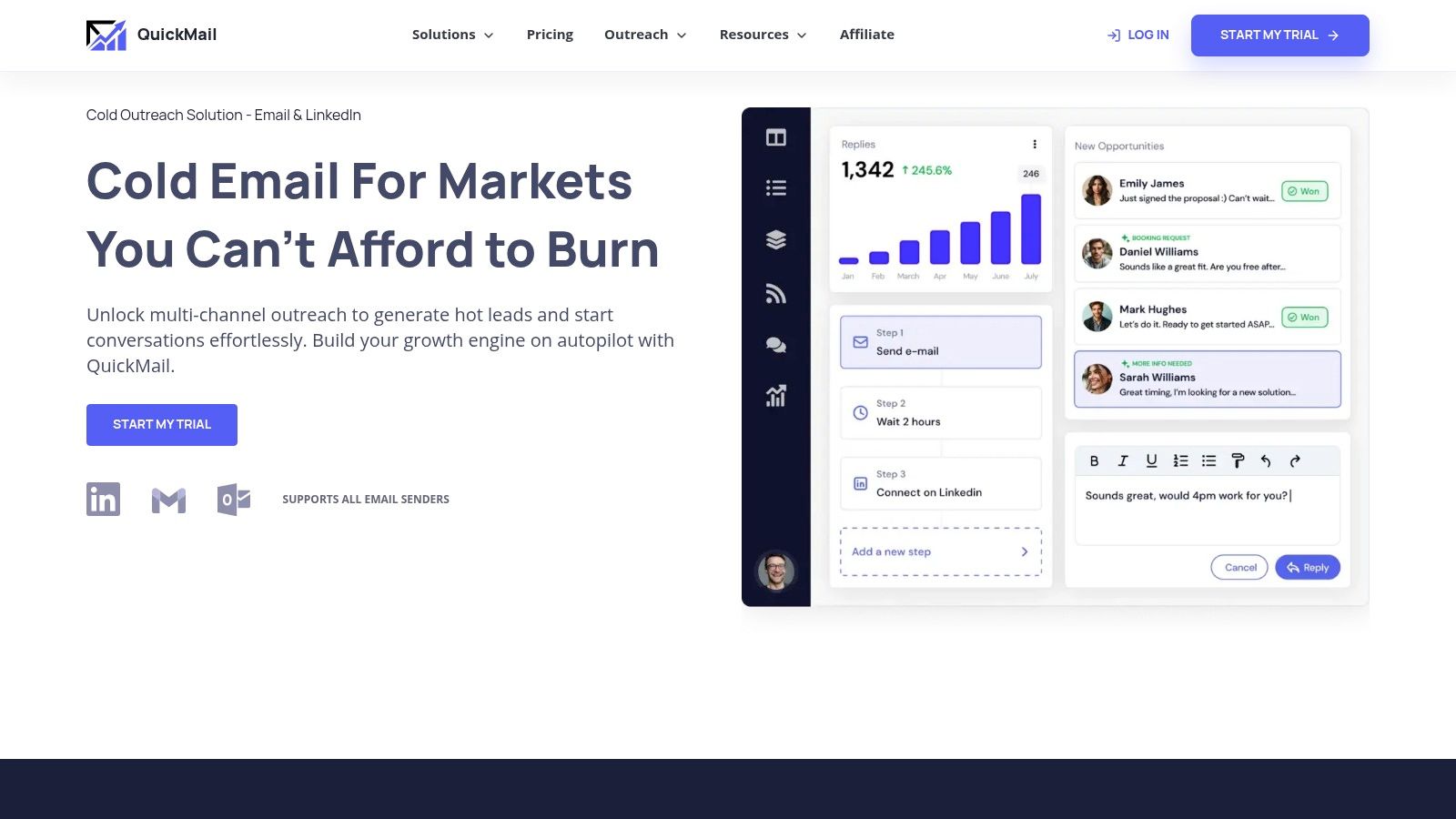
QuickMail suits teams that care about reply handling as much as sending. Automated follow-ups, email and LinkedIn senders, and shared handling of campaign replies mean a conversation doesn't die in one rep's inbox while a sequence keeps firing.
Pricing starts at $49 per month for Starter, plans include a 14-day trial, and listed plans include unlimited users and senders. That no per seat structure is especially useful for agencies and small teams adding collaborators, freelancers, or clients without renegotiating licenses every month.
Timing controls matter here. Research summarized by Instantly's follow-up email analysis reported campaigns with 4 to 7 emails reached a 27% reply rate, compared with 9% for campaigns with only 1 to 3 emails. The same research notes waiting about three days before the first follow-up can lift replies compared with next day sends, so default delays deserve testing, not blind acceptance.
Limits still apply. Starter carries lower contact and monthly send allowances, list sourcing is your job, and higher tiers include deeper integrations and API access. Confirm your CRM sync and reporting fields during the trial, especially how reply categories and unenrollments are written back.
7. Saleshandy
Saleshandy tries to remove the seams between finding prospects and sequencing them. A lead finder, mailbox rotation, warm-up, and response based subsequences sit in one platform, with CRM integrations including HubSpot and Salesforce.
Features worth testing in the trial
Sender rotation: Spreads volume across connected mailboxes to protect each sender.
Subsequences: Branch follow-ups based on how someone responded.
Multivariant testing: Available on eligible plans for subject and body tests.
Lead finder: Reduces dependence on a separate prospecting tool.
Listed annual billing starts at $34 per month, no per inbox fees are listed, and the trial runs seven days. That trial is short, so prepare your list, domains, and copy before day one. Email infrastructure is a separate add-on, and plan limits vary by prospects, volume, and team size.
Set your benchmark before you judge results. A lemlist synthesis of cold email benchmarks reports average reply rates ranging from 0.45% to 3.43% across large datasets, a 7.6-fold spread driven by methodology. Measure delivered emails, human replies, and positive replies separately. This follow-up email guide helps structure those later steps so tests measure message quality, not noise.
8. Woodpecker

Woodpecker charges by contacted prospects, which changes the math for teams with many mailboxes but focused lists. Its documentation says connected email accounts can be added without a fixed account count limit, and the lowest listed paid tier is $35 per month for up to 500 contacted prospects.
Multistep campaigns, verification and warm-up options, inbox rotation, and optional LinkedIn outreach cover the cold email basics. Agency features support managing client campaigns without separate logins for everything.
Operator check: Price the tool at your month six prospect volume, not your pilot volume. Prospect based pricing looks cheap until lists grow.
Add-ons are the trap. Warm-up and LinkedIn options can raise the bill, and total cost shifts with every prospect tier change. Get the fully loaded number in writing before annual billing.
Compliance mechanics should be tested during any trial. The FTC CAN-SPAM compliance guide requires senders to honor an opt-out within 10 business days and keep the opt-out mechanism working for at least 30 days after sending. Verify Woodpecker suppresses that contact across active and scheduled steps, not just one campaign. Teams needing deep CRM engagement features will still need another system.
9. Mailshake
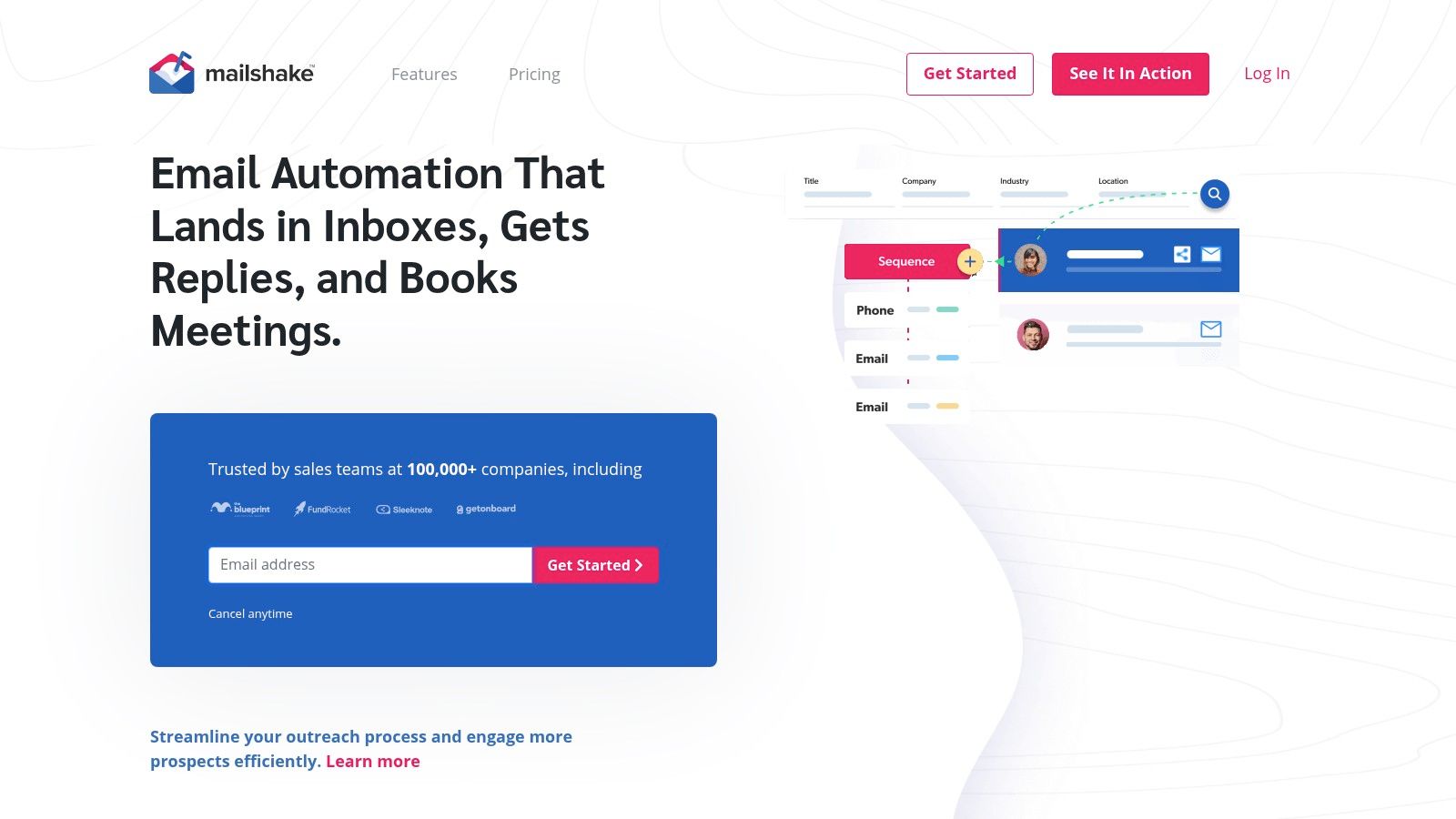
Mailshake is a sensible middle path for sales teams that want sequences plus a route into calling, without paying for an enterprise engagement suite. Automated sequences, A/B testing, and AI assisted writing cover day to day outreach. The Sales Engagement plan adds a dialer and social selling tasks for reps who work the phone between email steps.
The upgrade logic
The Email Outreach plan covers email rotation and a unified inbox for campaign replies. Moving up to Sales Engagement adds the dialer and structured tasks beyond email, and Salesforce, Pipedrive, and HubSpot connections are listed for keeping sequence activity visible in the CRM.
Plans start at $29 per month. Pricing is per user, so a growing SDR team multiplies the bill with every seat, and no free trial is listed on the pricing page. That raises the bar for your internal evaluation: ask for a sandbox walkthrough and watch a test reply land in the unified inbox and sync back to your CRM before signing. If either step drops data, you want to know before manual logging creeps back into the workflow.
Sender identity deserves the same scrutiny. Gmail's bulk sender guidance for Google Workspace requires the From header's organizational domain to align with the SPF or DKIM domain. Misaligned domains undermine otherwise sound sequences, so confirm how Mailshake handles authentication on your sending domains during onboarding, before the first campaign goes out.
10. Mixmax
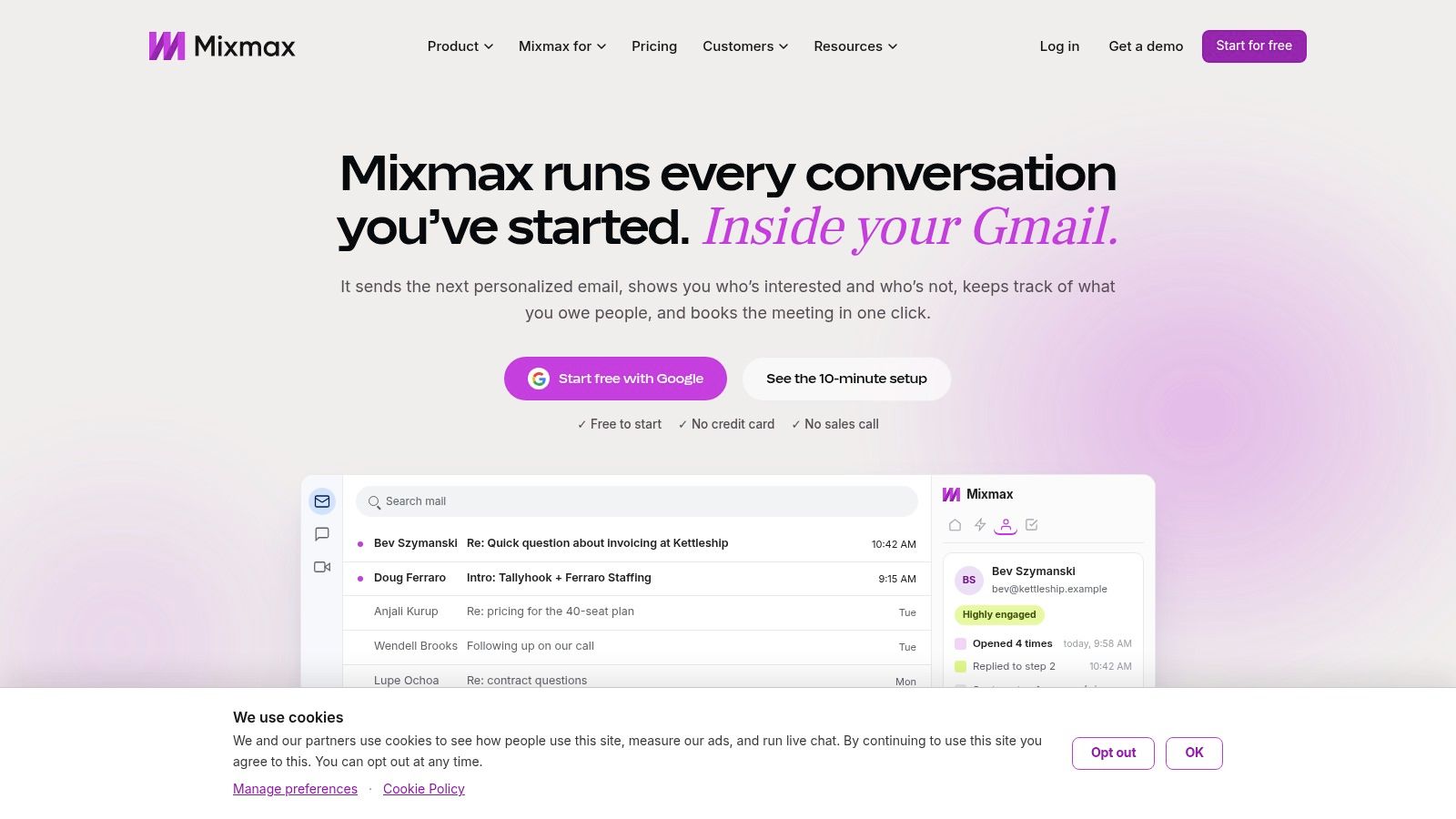
Mixmax wins on adoption when reps refuse to leave Gmail. Sequences, tracking, templates, and scheduling sit inside the inbox they already open every morning, so follow-up workflows get used instead of becoming another tab nobody checks.
Fit and limits
Gmail native workflow: Reps enroll and manage sequences where they already write email.
Scheduling and templates: Useful for post call and late stage follow-up, not just cold outreach.
CRM integrations and reporting: Team options keep activity visible to managers.
Recipient based pricing: Pro starts at $29 per member per month billed annually for 100 recipients.
A free option and 14-day trial are listed. Recipient allowances are the constraint to model, because active reps burn through small tiers quickly and upgrades stack per member.
Mixmax is a productivity tool first, not high volume cold infrastructure. Outlook standardised teams should look elsewhere. Still, consistent automated follow-up beats sporadic manual effort, and Omnisend's email marketing statistics reported automated emails generated 37% of all email attributed sales in 2024 while accounting for only 2% of email volume. For warm pipeline follow-up inside Gmail, that consistency is the point.
Email Sequencing Tools at a Glance
Item | Starting Price | Free Option | Best For | Main Trade-off |
|---|---|---|---|---|
Apollo | $49/user/month, billed annually | Free plan | Teams combining prospecting and outbound | Usage depends on plan features and credits |
HubSpot Sales Hub | $20/seat/month; sequences require a higher plan | Free CRM; no free sequence access stated | Teams already using HubSpot CRM | Sequences require Professional or Enterprise |
lemlist | $69/month for Email; $109/month for Multichannel | 14-day trial | Teams coordinating email and LinkedIn outreach | Multichannel and data credits raise costs |
Smartlead | $32.50/month, billed annually | No free option stated | Agencies and teams managing multiple mailboxes | CRM and prospect data may require separate tools |
Instantly | $47/month for Email Outreach | Free trial | Teams focused on cold-email campaigns | Mailboxes and lead credits may cost extra |
QuickMail | $49/month | 14-day trial | Teams needing shared campaign and reply handling | Teams must source their own lists |
Saleshandy | $34/month, billed annually | 7-day trial | Teams combining prospecting and email sequencing | Email infrastructure costs extra |
Woodpecker | $35/month for up to 500 contacted prospects | Free tier and trial | Teams with prospect-based campaign volumes | Add-ons and prospect volume affect costs |
Mailshake | $29/month | No free trial listed | Sales teams wanting email outreach with an upgrade path to calling | Per-user pricing; multichannel features need a higher plan |
Mixmax | $29/member/month, billed annually, for 100 recipients | Free option | Teams running sequences from Gmail | Recipient limits may require a higher-cost plan |
Choosing a Sequencing Stack You Will Not Outgrow in Six Months
Start with your bottleneck. Let the feature checklist wait. If sending capacity and mailbox health are the constraint, shortlist dedicated cold email platforms like Smartlead, Instantly, or QuickMail. If pipeline visibility and rep adoption are the constraint, HubSpot or Mixmax will serve you better. If you lack data entirely, Apollo, lemlist, or Saleshandy collapse prospecting and sequencing into fewer contracts.
Then measure the right thing. Reply rate alone misleads, because Validity's 2025 benchmark report found roughly one in six legitimate marketing emails failed to reach the inbox, with Microsoft inbox placement at 75.6% in its measurement set. A sequence can look weak when the failure happened before the prospect saw anything. Separate sent, delivered, inboxed, replied, and meeting booked outcomes in your pilot, or you will tune copy for an infrastructure problem.
Run that pilot for 30 days on a small, clean list with two or three finalists. Track bounce rate, replies, positive replies, and meetings per mailbox. Then send the awkward traffic yourself: test replies, unsubscribes, out of office messages. Check exactly what lands in your CRM and how fast suppression propagates across mailboxes. Every sequence builder looks fine in a demo. Reply handling and data sync are where they diverge.
Model the full bill before you sign anything annual. Add credits, extra mailboxes, domains, verification, LinkedIn add-ons, seats, and onboarding to the headline price, then price it again at double your current volume. Several tools on this list are inexpensive at pilot scale and unremarkable at team scale. Check who owns the data and how sequences, suppression lists, and reply history export if you leave, since migration pain is a real switching cost. The sequencer should stay subordinate to the system around it, so weigh how cleanly each candidate feeds your CRM, routing, and reporting before comparing feature lists.
If the choice remains unclear, build a simple scoring matrix weighted to your bottleneck and score pilot results against it. We can walk you through a scoring matrix and pilot plan for evaluating vendors or building a hybrid plan. We build the offer first and write the sequences around it, so tool selection follows the strategy it serves. That order matters more than any single feature on this page.
If you'd rather not assemble domains, data, sequencing, and reply routing yourself, we build and run outbound systems for B2B teams, covering ICP definition, list building, sequenced email and LinkedIn copy, and deliverability management. You can run the system yourself after handover, have it run for you, or embed a GTM lead in your team. Start the conversation at The Social Search and we will show you how we would find your buyers and build the system around the right email sequencing tools for your motion.
