Email Templates Marketing Teams Need for Lead Generation and Sales
Discover 10 email templates marketing teams can use for lead generation, nurture, sales, and retention, plus tips to personalize and automate them easily today.
Email templates marketing teams actually use are less about decoration and more about momentum. The right template turns a new subscriber, ad click, webinar signup, or past customer into the next conversation without forcing your team to rewrite the same message over and over. If your traffic comes from Meta or TikTok, pairing paid ads management with automated lead generation helps make sure the inbox picks up where the ad left off. HubSpot’s template library is built around real use cases like sales, follow-up, holiday, customer service, and marketing emails, while Mailchimp recommends keeping subject lines and preview text aligned with the message, including an unsubscribe link in every email, and using responsive layouts with a plain-text version for accessibility. (hubspot.com)
What a strong email template should include
A strong template should do four things fast: explain why the email exists, make the next action obvious, match the promise that brought the person in, and stay easy to read on mobile. That usually means one clear subject line, concise preview text, a single primary CTA, and simple structure that screen readers and smaller devices can handle. Mailchimp also recommends a logical layout, meaningful link text, and a plain-text fallback, while Litmus emphasizes responsive design and accessibility so the message works across devices. If your team routes every lead through a shared database, what CRM in marketing does becomes much more than a theory, because segmentation, lead source, and lifecycle stage all shape which template a contact should see next. (mailchimp.com)
10 email templates marketing teams should keep ready
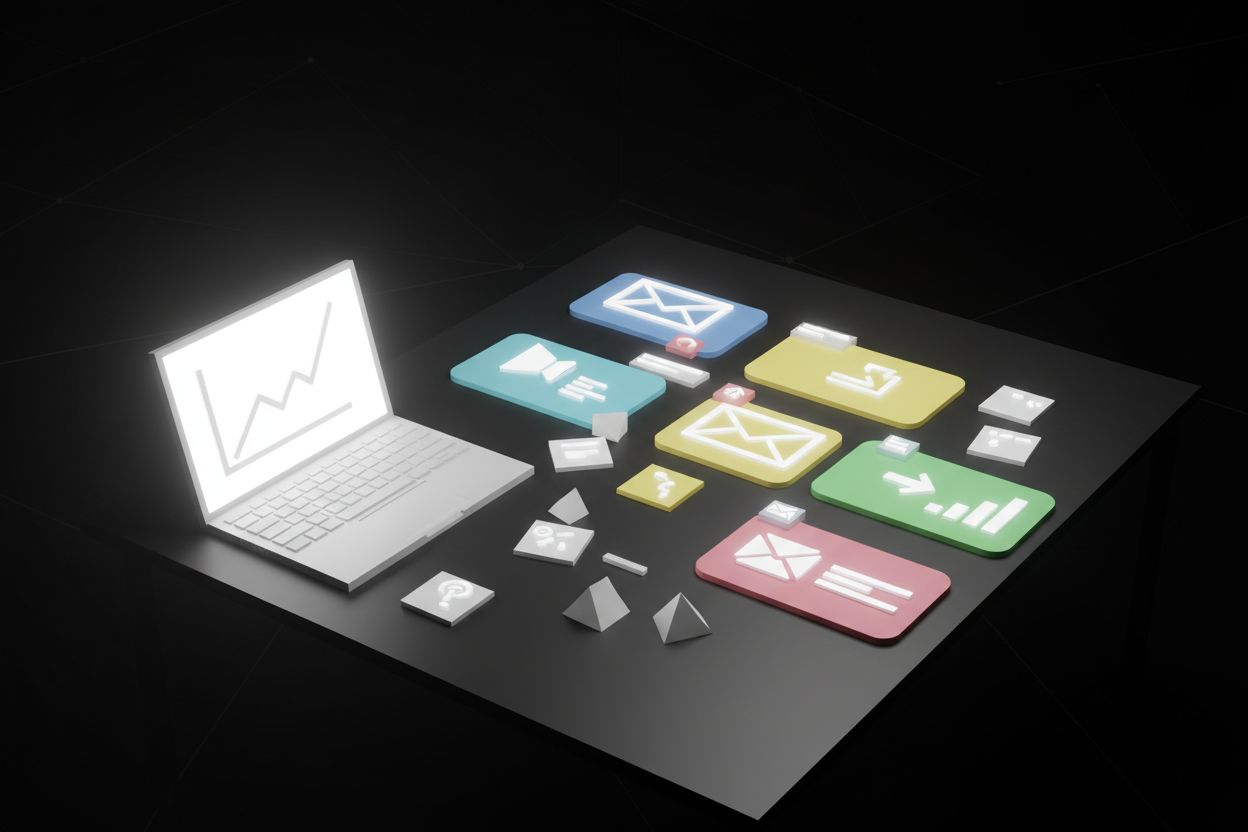
These are the templates that earn their keep in lead gen, sales, and retention. The best version of each one can be personalized once, then reused every time the trigger happens. HubSpot’s library shows the same pattern, with specific resources for sales email templates, follow-up emails, customer service emails, newsletters, and holiday campaigns. (hubspot.com)
1. Welcome email template
Send this immediately after signup. Thank the subscriber, restate the promise they just bought into, and give them one useful next step. For a lead magnet, that might be the download. For a demo request, it might be a booking link. For a newsletter signup, it might be your most useful article or case study. Keep the tone warm, but do not overload the email with every possible path.
A clean workflow, source tracking, and lifecycle tagging make this much easier, which is where a connected CRM starts to pay off. When your sales and marketing teams can see the same contact history, it becomes easier to move people into the right sequence instead of guessing what they want next. (hubspot.com)
Best for: new subscribers, demo requests, and first-time leads
Include: a thank-you note, the original offer, and one clear next step
CTA idea: “Download your guide,” “Book your demo,” or “See what to do next”
2. Lead magnet delivery email
This is the handoff email after an ebook, checklist, calculator, or free tool. Do not make the reader hunt for the asset. Put the file or link near the top, summarize the benefit in one or two lines, and suggest a second step like reading a related blog post or booking a call. This is one of the easiest places to connect email with automated lead generation, because the download tells you exactly what the person cares about.
If your lead magnet came from a paid campaign, this email also helps you measure quality. A good download email should feel like a useful delivery, not a surprise pitch.
Best for: ebooks, checklists, templates, webinars, and free tools
Include: the asset link, a short summary, and one secondary CTA
CTA idea: “Get the checklist” or “See the full resource”
3. Webinar confirmation and reminder email
Use this template to reduce no-shows and set expectations. Confirm the topic, date, and value, then add a short bullet list of what the attendee will learn. If the webinar is part of a bigger funnel, use the same template family for live demos, workshops, and product trainings so your brand feels consistent across the journey. The strongest version also gives the host’s name and a single CTA, such as add to calendar or submit a question.
This is especially useful when webinar registration is tied to a lead-form flow. Once the signup is in the system, the email can reinforce the offer and keep the attendee engaged before the live event.
Best for: webinars, live demos, workshops, and trainings
Include: event details, value bullets, and a calendar action
CTA idea: “Add to calendar” or “Save my seat”
4. Sales follow-up email
After a discovery call or demo, send a follow-up that shows you listened. Reference the pain point the prospect raised, recap the agreed next step, and make the reply path easy. Sales teams often over-explain here. Better to use a short, personalized note that keeps the conversation moving.
A strong follow-up email also helps marketing and sales stay aligned. If the lead came from a form, ad, or chat interaction, the message should reflect that history instead of starting from scratch.
Best for: discovery calls, demos, quote requests, and proposal follow-ups
Include: one problem statement, one proof point, and one next action
CTA idea: “Reply with questions” or “Choose a time to continue”
5. Nurture sequence email
This template is the bridge between interest and intent. Use it to educate, answer objections, and move the subscriber from curiosity to conversation. One email might share a quick win, another a comparison, and the next a proof point or customer story. A good nurture sequence works best when it reacts to behavior, not just time, which is why Lead Generation and Marketing Automation Guide for 2026 Success belongs in the same planning conversation.
When your CRM and automation stack are connected, you can send a different follow-up based on what people clicked, downloaded, or viewed. That makes the sequence feel more personal without adding more manual work. (blog.hubspot.com)
Best for: cold leads, content subscribers, and long sales cycles
Include: education, objections, social proof, and a soft CTA
CTA idea: “Read the case study” or “See how it works”
6. Abandoned cart email
If you sell ecommerce products, this template is non-negotiable. Klaviyo recommends keeping the message tightly focused on the items left in the cart, using dynamic content to show those products, and sending a short sequence rather than one lonely reminder. Their best-practice guidance also points to a first delay of around 2 to 4 hours, followed by a second message 20 to 48 hours later, with 2 to 3 messages overall often working well. That is a strong model for any marketing team that wants more recovered revenue without sounding pushy. (help.klaviyo.com)
The trick is to be helpful, not noisy. Remind the shopper what they left behind, answer common objections, and make it painless to return to checkout.
Best for: ecommerce carts, checkout drop-offs, and browse abandonment
Include: product image, price, benefits, and a return-to-cart button
CTA idea: “Complete your order” or “Return to cart”
7. Post-purchase email
The sale is not the end of the sequence. A good post-purchase email thanks the customer, confirms what happens next, and gives them a simple success path. For software, that might be onboarding steps. For services, it might be a kickoff checklist. For physical products, it might be care instructions and accessory recommendations. If the first experience is smooth, you earn reviews, referrals, and repeat purchases.
This is one of the easiest templates to make feel premium. Keep it clear, practical, and reassuring, especially if the purchase needs setup or a learning curve.
Best for: onboarding, shipping updates, first-use guidance, and upsells
Include: thank-you note, next steps, and one support contact path
CTA idea: “Get started” or “Track your order”
8. Re-engagement email
This template is for subscribers who have gone quiet. Be direct, polite, and honest. Ask whether they still want to hear from you, offer a preference update, and give them one reason to stay, such as a new resource or a better content mix. Mailchimp advises confirming interest before sending the first marketing email to old contacts, and if inactive subscribers do not respond to your re-engagement message, it is best to unsubscribe them. (mailchimp.com)
A good re-engagement email protects deliverability and keeps your list healthier. It is better to have a smaller, active audience than a larger one that ignores every send.
Best for: dormant leads, inactive subscribers, and old event lists
Include: a simple check-in, a value reminder, and an easy opt-out
CTA idea: “Keep me subscribed” or “Update my preferences”
9. Newsletter email
Newsletters work when they feel curated, not crammed. Use a short intro, three strong links or sections, and one main CTA. Keep the design predictable so readers know where to look each time. If you are building this as a repeatable asset, HubSpot’s newsletter launch template is a useful reminder that the format should be easy to produce, not a creative reinvention every week. (hubspot.com)
This template is ideal for staying top of mind, promoting new content, and warming up leads between bigger campaigns. It also works well when paired with social snippets or ad remarketing creative.
Best for: content marketing, brand updates, and audience retention
Include: one intro, a few useful sections, and one clear CTA
CTA idea: “Read the full article” or “Explore this week’s picks”
10. Referral or review request email
Ask while the experience is still fresh. Make the request specific, simple, and easy to complete. For a review, send them straight to the form. For a referral, explain who makes a good fit and why it helps. This is a nice place to keep the tone human and the design clean. If you want the message to feel like part of the same customer journey, borrow the same structure your support team uses in customer service emails.
The best version does not feel like a favor. It feels like a natural next step after a good outcome.
Best for: satisfied customers, recent buyers, and successful clients
Include: a thank-you, the request, and a low-friction path to complete it
CTA idea: “Leave a review” or “Refer a friend”
How to use these templates with ads, AI chat, and CRM
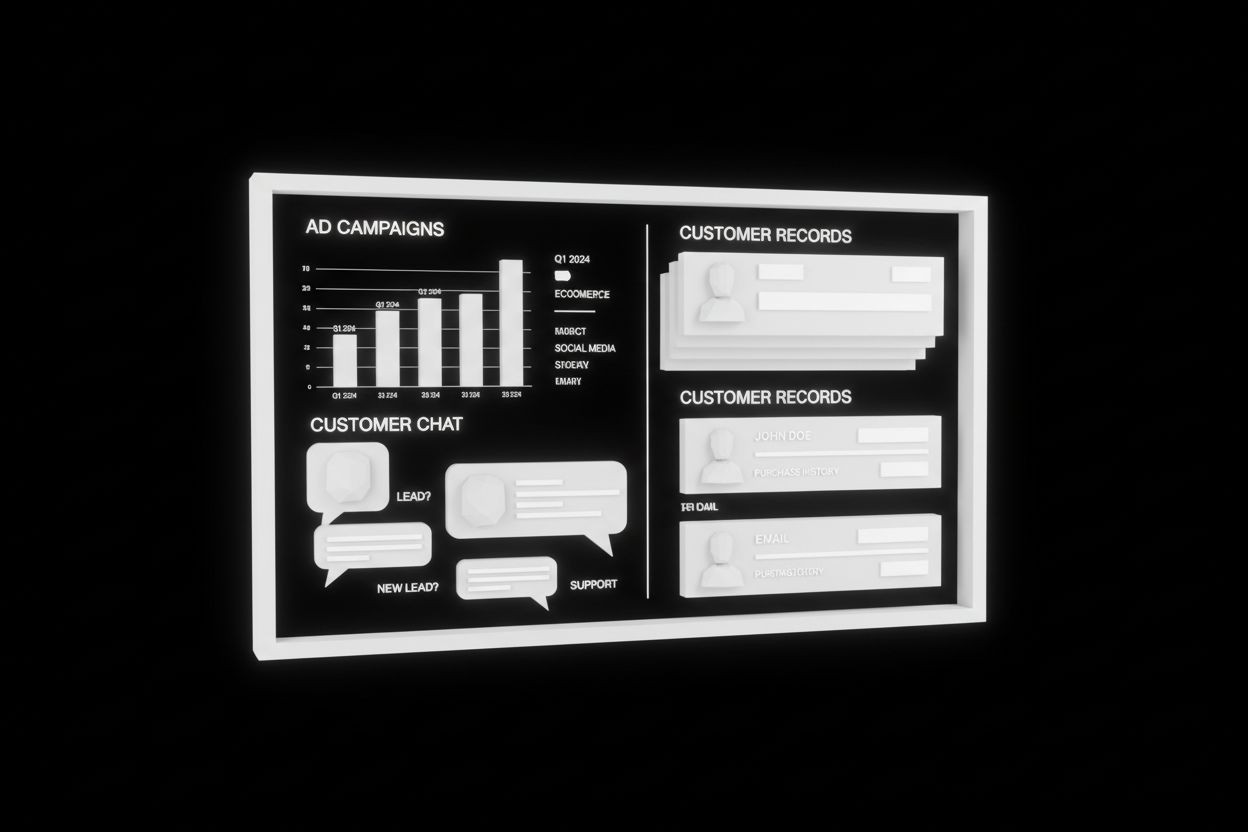
Email gets stronger when it is part of the same system as your ad spend and website traffic. Meta and TikTok campaigns create the first click, chat agents capture intent on page, and CRM data decides which template fires next. If your site uses automated AI chat agents, you can answer questions instantly, collect qualifying details, and push people into the right email flow without losing momentum. That is a useful bridge between the visitor experience and the nurture sequence.
HubSpot’s CRM and automation resources point in the same direction. When marketing, sales, and service data live together, teams can generate and nurture prospects more effectively, route leads faster, and see what behavior actually leads to conversion. Sales and marketing automation works best when it reflects what people are doing, not just what list they are on. (hubspot.com)
In practice, that means your templates should map to the source of the lead:
Meta and TikTok ads: send the lead magnet delivery email first, then a nurture sequence that matches the ad promise
AI chat conversations: use a follow-up email that answers the question the visitor asked in chat
Webinar registrations: send confirmation, reminders, and a post-event follow-up from the same workflow
Sales handoffs: use CRM data to tailor the tone, proof points, and next step
If you want this system to scale, think in terms of journeys, not one-off emails. The template is the message, but the automation is the strategy.
A simple checklist before you hit send
Before you copy any of these email templates marketing teams should run them through the same final QA. Mailchimp’s guidance on subject lines, unsubscribe links, and accessibility pairs well with Litmus’ advice on responsive, logical layouts, while Klaviyo’s abandoned-cart guidance is a good reminder to keep the offer focused on the items people actually left behind. (mailchimp.com)
Use this quick check before launch:
Does the subject line match the promise of the email?
Does the preview text add useful context instead of repeating the subject?
Is there one primary CTA, not three competing ones?
Does the layout read well on mobile?
Are the link labels descriptive and clear?
Is there an unsubscribe link in every send?
Does the email include a plain-text fallback or accessible structure?
If this is abandoned cart, does it show the correct products and nothing extra?
If this is re-engagement, is it easy for uninterested contacts to opt out?
Small fixes here usually improve performance more than another round of clever copy.
The best email templates marketing teams keep are not the fanciest ones. They are the ones tied to a trigger, a segment, and a single conversion goal. Build those once, connect them to your CRM and automation stack, and you will have a reusable system for leads, customers, and reactivation. Start with the five templates that map to your biggest revenue moments, then expand from there.