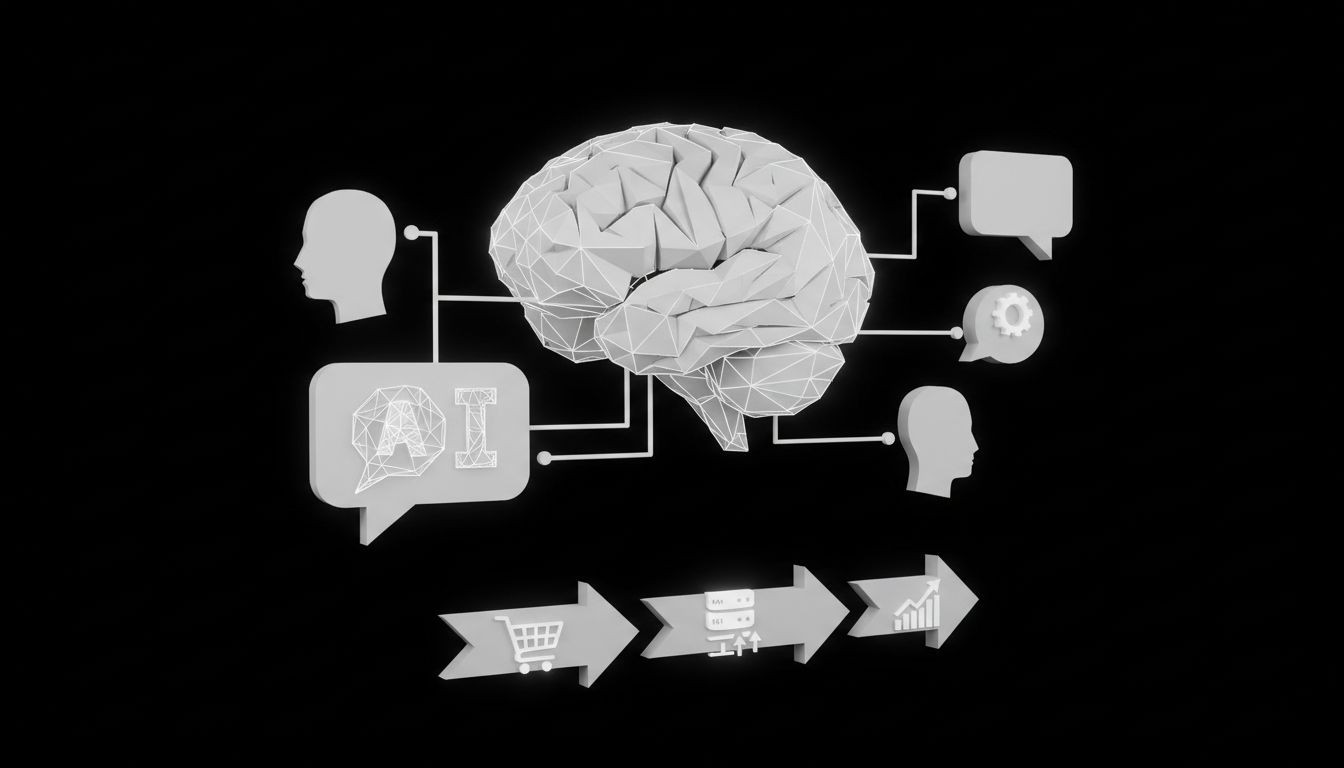
AI Customer Support Chatbots for SMEs: A Practical Guide to Choosing, Implementing, and Measuring Success
Complete SME guide to AI customer support chatbots: choose, implement, and measure performance with templates, ROI examples, integration tips and 2026 trends.
Small businesses lose sales and waste staff time when routine questions pile up during peak hours. AI customer support chatbots for SMEs can close that gap by answering common queries, qualifying leads, and handing off tough issues to humans. This guide gives you the step-by-step playbook to pick the right solution, implement it without heavy IT, measure ROI, and scale the bot across social channels and ad campaigns.
What is AI customer support chatbots for SMEs?
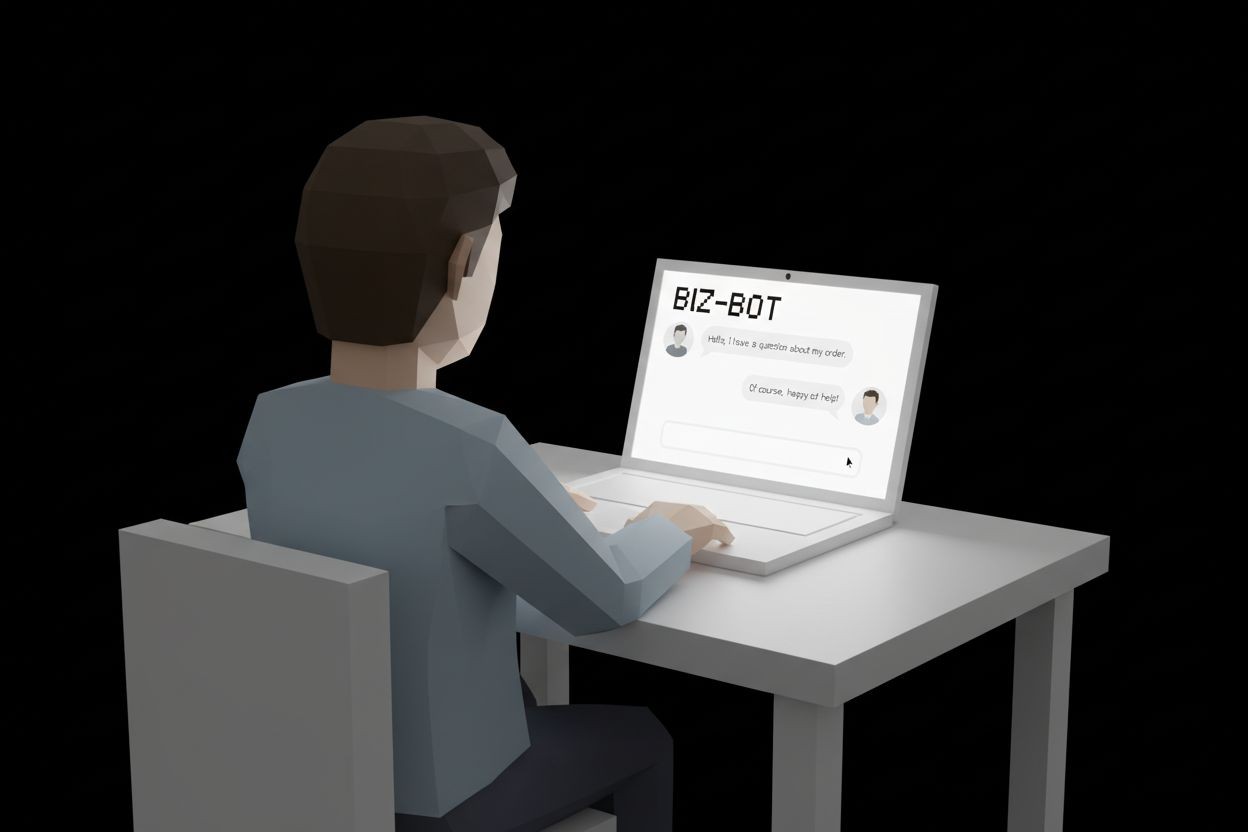
AI customer support chatbots are conversational agents powered by machine learning models. For SMEs the emphasis is practical: automation of repetitive tasks, fast answers to frequently asked questions, and capturing leads at the moment of intent. These bots can run on your website, WhatsApp, Facebook Messenger, Instagram, and even in paid ad click flows on Meta and TikTok.
How they work - at a high level:
The bot receives a message from a customer on any channel.
Natural language processing interprets intent and entities.
The bot matches that intent to a prebuilt response, knowledge base article, or action such as booking or lead capture.
If the question is complex or the customer is frustrated, the bot routes to a human agent with context.
Why SMEs should care:
Immediate responses increase conversion rates and reduce cart abandonment.
Bots collect customer data and qualify leads before handing to sales.
Lower operating costs compared to hiring more agents for 24/7 coverage.
Core features to require before you buy
Selecting the right product means checking for capabilities that matter for small teams and tight budgets.
24/7 availability and multi-channel coverage - website, WhatsApp, Messenger, Instagram, SMS.
No-code conversation builder so non-technical staff can update flows quickly.
CRM and marketing integrations so captured leads flow into your sales process. See integration guidance in our CRM guide for marketing automation and growth strategies: What Is CRM in Marketing.
AI model option and fallback rules so you control accuracy vs cost.
Prebuilt templates and industry-specific scripts for retail, services, and healthcare.
Handoff logic - context-rich escalation to a human and channel switch capability.
Analytics dashboards with deflection rate, average handling time, conversion from chat to sale, and sentiment trends.
GDPR and data privacy controls, plus data residency options when required.
Additional advanced features that are increasingly valuable:
Proactive triggers based on behavior such as exit intent or time on page.
Sentiment detection to prioritize unhappy customers.
Voice support if you want to automate phone support later.
When you compare vendors include their channel support. If social channels are a priority, review tools that specialize in social automation and chat integration, such as those described in our automated social media services overview: Automated Social Media.
Key business benefits and simple ROI approach
The core benefits are cost, speed, and scale. For SMEs the most persuasive metric is how many chats convert into measurable business outcomes.
Typical benefits:
Reduced response times and higher customer satisfaction.
Lower support headcount during low complexity tasks.
More leads captured and qualified automatically.
Faster resolution for repeatable requests like shipping status or account resets.
Simple ROI model you can calculate in 4 steps:
Estimate monthly repetitive interactions the bot will handle. Example 3,000 chat requests.
Measure current average cost per human-handled chat. Example $5 per chat.
Expected deflection rate after launch. Conservative estimate 40 percent.
Monthly savings = chats handled by bot times cost per chat. Example 1,200 x $5 = $6,000 saved.
Add revenue uplift from faster follow-up and 24/7 sales capture. For lead-driven businesses connect the bot to your lead pipeline and track conversion from chat to closed sale. If you want bots specifically tuned for lead capture and qualification, explore automated lead generation services here: Automated Lead Generation.
How to choose the right chatbot - a practical decision framework
Choosing the right bot is a function of objectives, budget, and technical constraints. Use this short framework.
Define primary goal - reduce support load, increase sales, or both.
Choose channel priority - website only, social channels, or omnichannel.
Set a support model - fully automated, human-in-the-loop, or hybrid.
Evaluate AI models - costs and capabilities. Consider the following:
GPT-4 family - good general language understanding and rich responses; higher usage cost but strong small business templates and plugins.
Claude family - tends to be better at extended reasoning tasks with more conservative safety behavior; pricing varies by provider.
Gemini and other models - offer multimodal capabilities if you plan to expand to images or documents.
For most SMEs a hybrid approach works best. Start with a deterministic rule-based flow for critical tasks and layer in a lightweight large language model for open questions. That approach keeps costs predictable and gives good user experience.
Build vs buy? Recommendations:
Buy a platform if you need speed, prebuilt channel connectors, and support. This frees up your team to focus on conversation strategy and ads.
Build custom only if you have sustained unique processes, strict data residency needs, or plan deep product integrations over time.
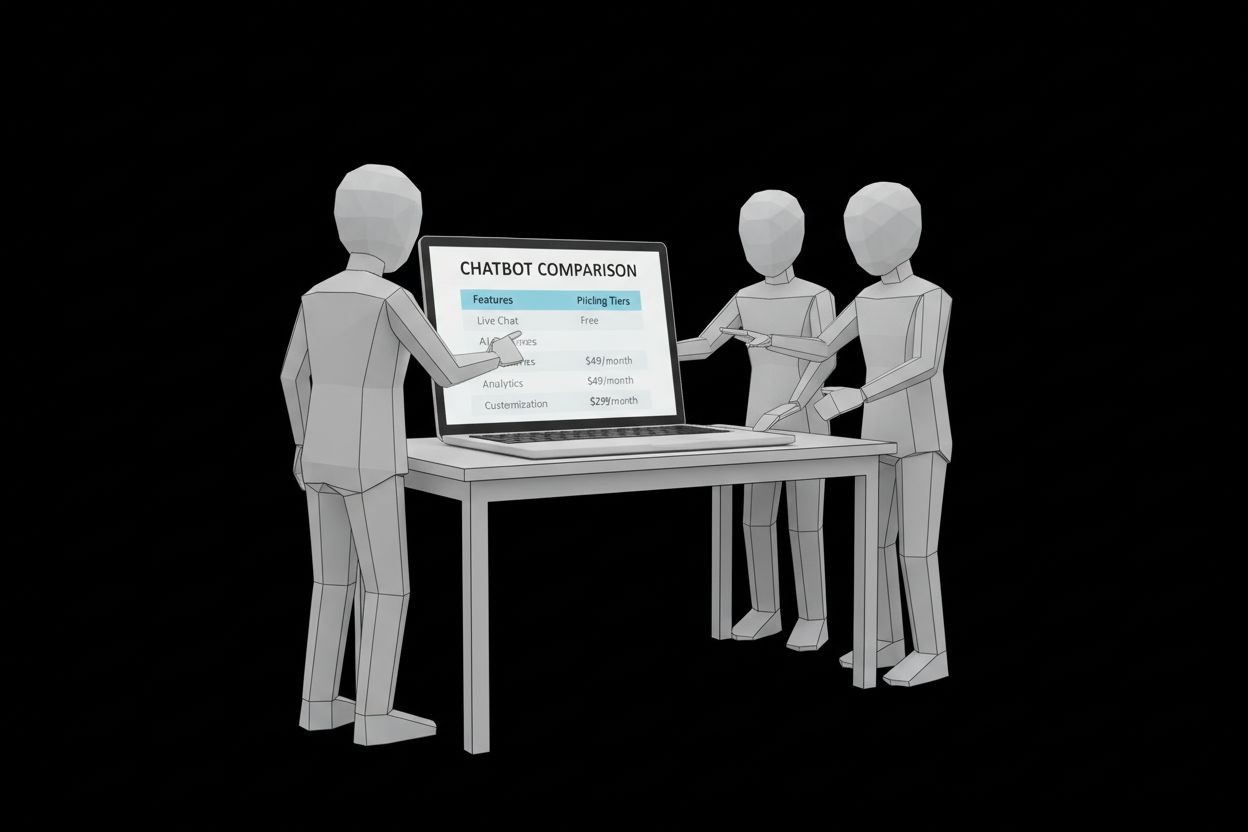
When comparing vendors include support SLA, setup time, training materials, and the availability of local onboarding assistance.
Implementation step-by-step for SMEs
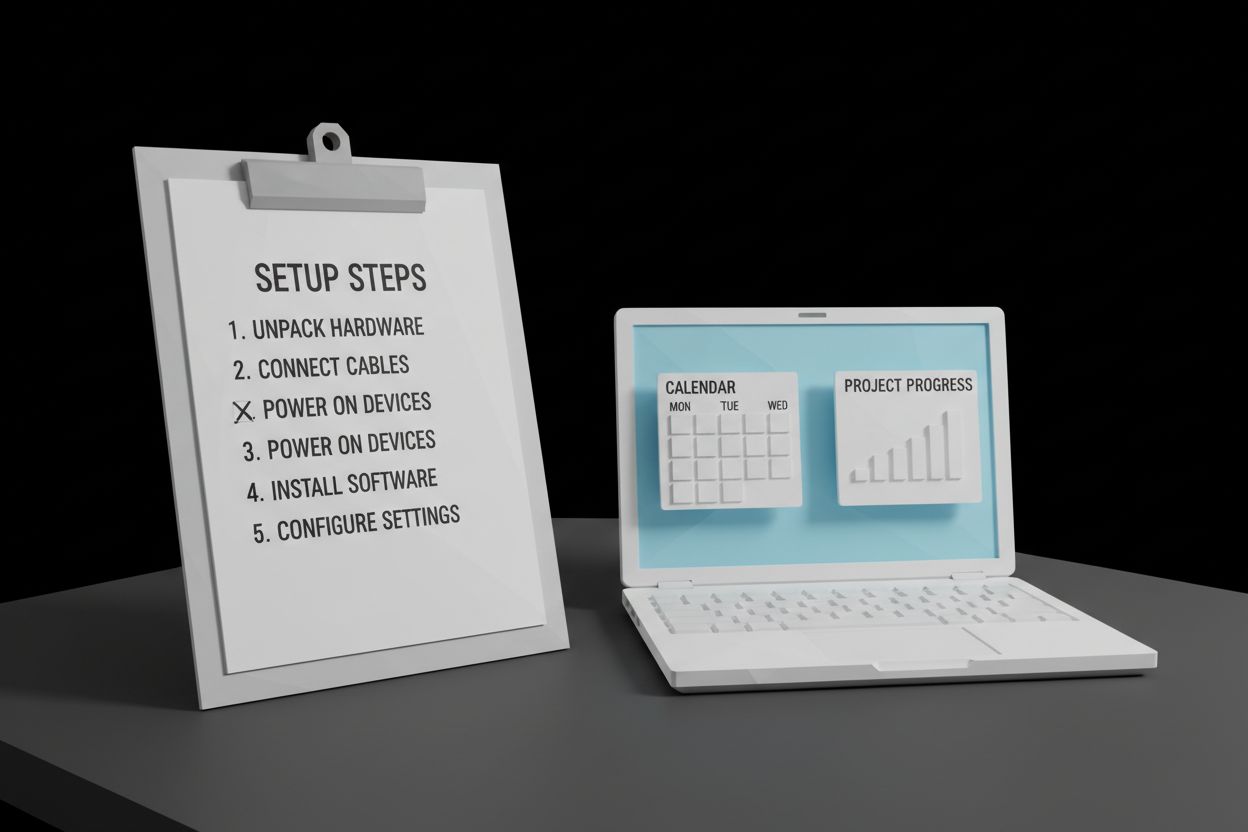
Below is a tested rollout plan you can follow in weeks, not months.
Week 0 - Plan
Identify top 10 customer intents from support logs or chat transcripts.
Choose the first channel to deploy, usually your website chat widget.
Define success metrics - deflection rate, response time, lead conversion, cost per conversation.
Week 1 - Design
Map conversation flows for top intents. Use a simple flow diagram showing user entry, bot prompts, and resolution or handoff.
Create canned responses and knowledge base articles. Prioritize clarity and brevity.
Week 2 - Build and integrate
Use the no-code builder to create flows and link to your CRM and email tools. For CRM best practices and integration tips see our CRM guide: What Is CRM in Marketing.
Set up tag-based routing so qualified leads go to sales and technical issues go to support.
Week 3 - Train and test
Train the bot with example utterances and test across channels. Include negative tests to ensure safe fallbacks.
Create escalation protocols. Example: escalate when customer uses words indicating frustration or the bot fails more than two times.
Week 4 - Soft launch and measure
Launch to a segment of your traffic or outside business hours.
Measure performance and refine top 10 conversation paths.
Ongoing - Optimize
Run weekly A/B tests on phrasing, turn-based vs proactive questions, and qualification flows.
Track metrics such as deflection rate, conversion rate from chat, bot containment, and average resolution time.
Integrations with ads and social campaigns
If you plan to use the chatbot to handle leads from Meta or TikTok ads, map the ad flow to a chat entry point. Connect your bot to paid campaigns and ensure the landing chat collects consent and UTM parameters so your ad performance shows true ROI. If you manage ad campaigns, our paid ads management service can align bot-driven leads with ad spend: Paid Ads Management.
Omnichannel considerations
Keep a single knowledge source so responses are consistent across website, WhatsApp, Messenger, and Instagram.
Use channel-specific templates when interacting over social DMs to match tone and allowed message types.
For social-first businesses integrate with automated social media management for scheduling and response workflows: Automated Social Media.
Conversation design and handoff best practices
Designing good conversations matters more than the underlying AI.
Start with a clear welcome message that sets expectations of what the bot can do.
Use quick reply buttons for common tasks to reduce typing friction.
When escalating, send the human agent the full chat transcript and context tags so the customer does not repeat information.
Limit bot messages to one idea at a time. Break complex solutions into steps.
Provide an easy option to speak with a human at any time.
Handoff protocol example:
Bot attempts resolution with two exchanges.
If unresolved or sentiment drops, bot says “I will connect you with a specialist now” and collects any required details.
Bot routes conversation with a priority flag and the chat history to the agent.
Practical templates you can copy
Basic qualification script
Bot: “Hi, I can help with orders, returns, and product info. Which one are you contacting about?”
User picks “Order status”
Bot: “Please share your order number or email. If you prefer, I can look it up with your phone number.”
Bot validates, fetches status, and offers next steps.
Escalation script
Bot: “I am transferring your request to our specialist. To help them prepare, tell me in one sentence what happened.”
On escalation: attach tags like “urgent”, “billing”, or “technical”.
Feedback collection script
Bot: “Was this helpful?” with quick replies “Yes” “No”. On “No” prompt for a one-line reason.
You can further refine scripts by running A/B tests on tone, number of quick replies, and whether to use proactive outreach.
Advanced use cases and 2026 trends
Proactive engagement triggered by user behavior to reduce drop-offs during checkout.
Sentiment analysis to route frustrated customers immediately to higher service tiers.
Voice-enabled bots for phone channels, reducing live agent minutes.
Multimodal agents that accept images such as product photos or receipts for faster troubleshooting.
Autonomous agents that perform tasks such as booking appointments or scheduling follow-ups without human steps.
If you plan to adopt advanced capabilities, budget extra for training data, testing, and robust monitoring.
Common mistakes SMEs make and how to avoid them
Mistake - expecting the bot to solve everything on day one. Fix - scope the first release to the top 5 intents.
Mistake - poor integration with CRM and sales workflows. Fix - ensure captured leads automatically create qualified records in your CRM.
Mistake - no fallbacks or escalation flow. Fix - define clear handoff rules and test them.
Mistake - overreliance on a single channel. Fix - plan for omnichannel growth when demand increases.
Quick start checklist and typical cost estimates
Checklist before launch:
Top 10 intents documented
Conversation flows designed and approved
CRM and email integrations set up
Handoff protocol in place with human agents trained
Success metrics defined and dashboard set
Privacy and data handling reviewed for compliance
Typical SME pricing bands:
Entry level: $0 to $50 per month for basic widgets with limited conversations.
Growth: $50 to $400 per month for multichannel bots, analytics, and light AI usage.
Scale: $400+ per month for advanced AI, priority support, and enterprise connectors.
Estimate your breakeven by comparing monthly subscription plus integration cost to estimated savings in human support time and incremental revenue from captured leads.
Troubleshooting common issues
Low containment rate - identify failed intents and add targeted responses or quick replies.
High false positives in handoff - tighten intent thresholds and add clarifying prompts.
Poor lead quality - require minimal qualification fields and validate contact info before closing the chat.
Compliance questions - enable data retention settings and consent capture for messages.
If you run into setup friction consider a specialist who provides onboarding and ongoing optimization. Our automated AI chat agents service helps businesses implement bots and connect them to existing workflows: Automated AI Chat Agents.
FAQ
Q: How long until I see results?
A: Most SMEs see measurable deflection and faster responses within 2 to 4 weeks. Conversion and revenue effects may take 1 to 3 months as you optimize flows.
Q: Do I need a developer to get started?
A: Not usually. Many platforms offer no-code builders. Developers help with deeper integrations and custom automations.
Q: Can these chatbots work with Facebook, Instagram, and WhatsApp?
A: Yes. Choose a vendor with verified channel connectors. For social-first businesses include your social automation strategy when configuring the bot.
Q: What about customer data privacy?
A: Use data retention controls, encryption in transit, and ensure your vendor supports GDPR or local privacy regulations. Keep a clear consent capture flow in chats.
Q: How do I measure chatbot performance?
A: Track deflection rate, contained conversations, conversion rate from chat, lead quality, response time, and customer satisfaction.
Q: Are chatbots expensive to run with advanced AI models?
A: Costs vary by model usage. Use hybrid strategies where deterministic flows handle common tasks and LLM calls are used for open questions to control cost.
Conclusion and next steps
AI customer support chatbots for SMEs turn repetitive queries into an asset. Start small, focus on the top business use cases, and instrument the bot for clear outcomes - qualified leads, lower support costs, and faster response times. If you need help implementing a pilot, integrating with your CRM, or mapping chat flows to ad campaigns we can help. Learn more about connecting bots to ad funnels and campaign tracking in our paid ads management offering, or reach out to get a tailored plan: Paid Ads Management and contact us directly: Contact.
Action step: pick one channel, map your top 10 intents this week, and run a one-month pilot. Measure results and iterate. Small wins compound quickly when chatbots are designed with clear goals and continuous optimization.