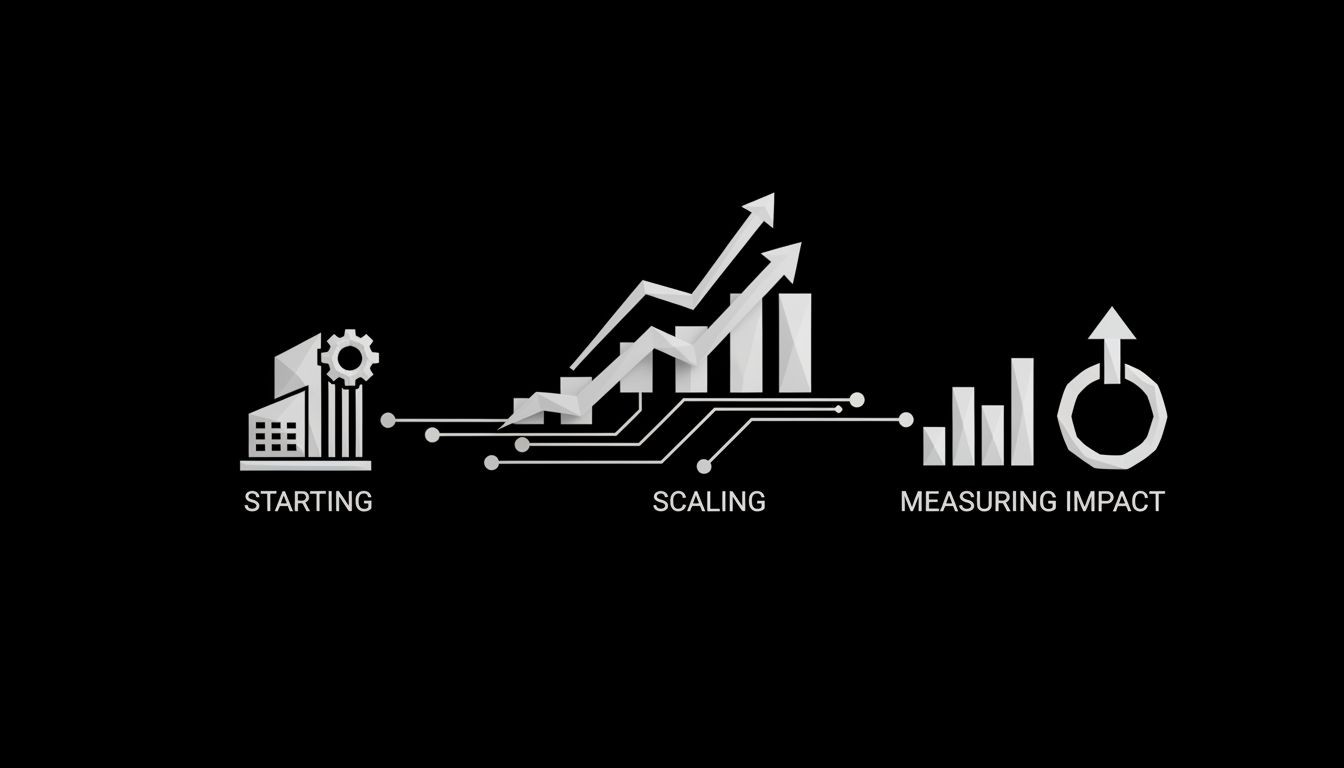
What Is Automation in Business: A Practical Guide to Starting, Scaling, and Measuring Impact
Learn what is automation in business: step-by-step implementation, ROI framework, change management, and use cases for AI chat agents and social ads today.
Every business has repetitive tasks that drain time and attention. When those tasks are automated, teams focus on higher value work and customers get faster responses. This guide explains what is automation in business, why it matters now, and how to design, launch, and scale automations that actually deliver measurable ROI.
In the next sections you will find clear definitions, the major types of automation, real use cases for marketing, sales, and customer service, a step-by-step walkthrough to automate your first process, plus frameworks for ROI, governance, and change management. Practical checklists will help you avoid common pitfalls and choose the right vendors.
What business automation actually means
Business automation means using software to perform repetitive, predictable tasks that people currently do by hand. The goal is to reduce manual effort, lower error rates, and free employees to focus on strategic work. Automation ranges from simple rule-based workflows to intelligent systems that combine AI and machine learning to handle complex decisions.

At a process level, automation is about three things:
Standardizing the steps that make up a process
Connecting systems so data moves without manual intervention
Applying rules or models to decide the next action automatically
When these elements are in place you can speed up order processing, route leads to the right salesperson, auto-respond to customer questions, or optimize ad spend with minimal human oversight.
Key types of automation and how they differ
Understanding types helps you choose the right approach for a given problem.
Robotic Process Automation (RPA)
RPA uses bots to mimic human interactions with software interfaces. RPA is ideal for rule-based tasks across legacy systems when APIs are missing. It is fast to deploy for discrete tasks but can be brittle if underlying screens or rules change.
Business Process Automation (BPA)
BPA focuses on end-to-end process orchestration. It often includes approvals, integrations, and reporting. BPA is about process design and continuous improvement rather than mimicking human clicks.
Intelligent Automation and Hyperautomation
Intelligent automation adds AI elements like natural language processing or predictive models. Hyperautomation is a broader strategy that combines RPA, BPA, process mining, and AI to automate complex workflows at scale.
Workflow Automation and Integration Platforms
Workflow tools and integration platforms connect apps and trigger actions. They are useful for automating marketing sequences, CRM updates, and data syncs with fewer technical resources.
Process Mining and Discovery
Process mining analyzes logs to reveal how work actually flows. Use it to spot bottlenecks and high-value automation opportunities rather than guessing where to start.
Benefits you can expect
Automation offers a variety of measurable benefits:
Cost reduction through fewer manual hours and reduced error corrections
Faster cycle times for orders, onboarding, and support responses
Improved accuracy and compliance by enforcing rules automatically
Better scalability without linear headcount increases
Higher customer satisfaction with timely responses and fewer mistakes
Real results depend on selecting the right processes, designing robust automations, and managing adoption.
High-impact use cases by function
Below are common starting points that produce visible wins.
Marketing
Automations handle lead scoring, email nurturing, ad creative testing, and social publishing. Automated social campaigns and content publishing save hours every week and keep messaging consistent across channels. For managed automated social media services see Automated Social Media.
Sales and Lead Generation
Automated lead routing, enrichment, and follow-up sequences accelerate pipeline velocity. For end-to-end campaigns that combine lead capture and nurture see Automated Lead Generation - The Social Search.
Customer Service
AI chat agents and automated triage reduce first-response time and deflect routine questions. Chat agents can escalate complex issues to humans with full context. Learn more about conversational automation at Automated AI Chat Agents - The Social Search.
Advertising and Performance Marketing
Automations optimize bids, pause poor-performing creatives, and reallocate budget across channels. Managed automation for ad accounts is available at Paid Ads Management - The Social Search.
SEO and Content Operations
Automated SEO audits, scheduling, and reporting let teams scale content production and measure impact without manual reporting. See Automated SEO - The Social Search for examples of how automation supports search growth.
A practical framework to calculate ROI
To justify automation, you need a clear ROI framework. Use this three-step method:
Baseline measurement
Track current process time, manual hours per month, error rate, and cost per error.
Estimate automation impact
Project percentage time saved, reduction in errors, and resulting cost savings.
Add implementation cost
Include licensing, development, training, and maintenance for a one-year view.
Example quick calculation:
Current cost: 200 manual hours/month at $40/hour = $8,000/month
Automation reduces time by 60% = saves 120 hours = $4,800/month
One-time implementation: $12,000; monthly license and maintenance: $600
Payback time: Implementation / monthly net savings = $12,000 / ($4,800 - $600) = about 3 months
This simple framework helps prioritize opportunities that deliver fast payback.
Automation maturity model: where to place your organization
Use this four-stage model to plan sequencing and governance:
Manual and ad hoc - processes are mostly manual
Tactical automation - isolated RPA bots and point solutions
Orchestrated automation - integrated workflows with API-first design
Autonomous optimization - full hyperautomation with process mining and AI
Most organizations should aim to move from stage 1 or 2 to stage 3 before attempting stage 4. That reduces risk and increases scalability.
How to run your first successful automation - step by step
Start small and prove value quickly.
1. Pick the right pilot
Choose a process that is high volume, repetitive, stable, and measurable. Good candidates are invoice approvals, lead routing, or a standard onboarding checklist.

2. Map the process end to end
Document every step, exception, and handoff. Use process maps, screenshots, and samples of inputs and outputs. Process clarity reduces rework during automation.
3. Choose the technology
Decide between RPA, workflow platform, or a combination. Consider APIs first for reliability. If legacy systems lack APIs, RPA can bridge the gap temporarily.
4. Build and test
Create a minimum viable automation, then test with a small batch of real transactions. Validate edge cases and error handling.
5. Measure and iterate
Track cycle time, error rate, and user satisfaction. Improve the automation before wider rollout.
6. Scale with governance
Formalize ownership, SLAs, and monitoring. Add version control and rollback plans.
Common technical considerations and integrations
API vs screen scraping: APIs are more stable and easier to maintain. Use RPA only when APIs are unavailable.
Legacy systems: Plan for phased integration and data syncing to avoid disruption.
Data migration: Keep a source of truth and reconcile data during cutover.
Testing and QA: Include unit tests for automations and run regression tests after system updates.
Disaster recovery: Have human-in-the-loop fallbacks and clear escalation paths when automations fail.
Change management and the human element
Automation fails more often because of poor adoption than technical reasons. Follow these steps to get user buy-in:
Communicate benefits in terms employees care about, such as less repetitive work and faster customer answers
Involve frontline staff in process mapping and validation
Provide training and quick reference guides
Start with partial automation so humans retain control while confidence builds
Track employee satisfaction as part of your success metrics
Share job transformation stories and reskilling plans to address fear of job loss and to position automation as a tool that elevates work.
What goes wrong and how to avoid it
Common failure modes:
Automating a broken process. Fix the process first.
Underestimating change management. Invest in training and communications.
Ignoring exceptions. Design clear exception management and human fallbacks.
Relying on brittle RPA without monitoring. Add robust logging and alerts.
Plan for continuous improvement and treat automations as products with owners, backlogs, and enhancement cycles.
Vendor selection checklist
When evaluating vendors, compare on these dimensions:
Integration capabilities and API support
Support for AI and ML if you need intelligent automation
Security controls, encryption, and compliance certifications
Monitoring, logging, and error handling features
Pricing model and total cost of ownership
Ease of use for citizen developers vs need for specialized engineers
References and industry experience
Ask for a short pilot that mirrors your production data and measure performance against agreed KPIs.
Cost breakdown and timelines for a typical pilot
A small pilot automation often includes:
Software license: $1,000 to $5,000 per month depending on vendor
Implementation services: $5,000 to $25,000 for the first use case
Training and change management: $2,000 to $8,000
Timelines range from 2 to 12 weeks depending on complexity. Expect faster timelines for cloud-native apps with APIs and longer for legacy system automation.
Team structure and governance
Successful automation teams usually include:
Process owner: owns the business outcome
Automation analyst: maps processes and writes requirements
Developer/engineer: builds integration and automations
QA and monitoring lead: tests and validates automations
Change manager: drives adoption and training
Create a governance body to prioritize automation candidates, set standards, and manage risk.
Emerging trends to watch
Agentic AI: autonomous agents that can complete multi-step goals across systems
Process mining: using real execution data to discover true process flow
Citizen development: non-technical users building automations with low-code tools
No-code platforms: faster experimentation with less vendor lock-in
These trends accelerate speed but increase the need for governance and quality control.
Practical examples: campaigns and channels
Social media: automated scheduling, A/B testing creatives, and reporting pipelines reduce time to market. See managed solutions like Automated Social Media for hands-on support.
Ads: automation optimizes bids, budgets, and audience targeting across Meta and TikTok ad platforms. For managed ad automation see Paid Ads Management - The Social Search.
Lead capture: automations enrich leads from forms, score them, and route to sales reps with context. Learn more at Automated Lead Generation - The Social Search.
Conversational AI: automated AI chat agents handle frequently asked questions and escalate when needed. See Automated AI Chat Agents - The Social Search for examples.
Governance checklist before scaling
Define ownership and SLAs
Create monitoring and alerting for failed runs
Establish security and data handling policies
Set version control and release procedures
Maintain a prioritized backlog and success metrics
Frequently asked questions
How do I pick the first process to automate?
Choose a repetitive, high-volume, and rule-based task with clear metrics. Avoid processes with many subjective decisions at first.
How quickly will I see ROI?
Many pilots show payback in 3 to 9 months. Small, high-volume processes deliver the fastest returns.
Will automation replace jobs?
Automation changes job content more than removing jobs. People shift to higher value tasks. Proactive reskilling reduces negative impacts.
Can small businesses benefit or is automation only for enterprises?
Small and medium businesses benefit strongly when they automate customer touchpoints, lead workflows, and reporting. Choose cloud tools with predictable pricing.
How do I maintain automations when systems change?
Set up monitoring, test suites, and a change control process. Keep humans in the loop for exceptions and system upgrades.
Conclusion and next steps
Automation in business is not a single technology. It is a disciplined approach to improving processes, freeing people to do better work, and delivering measurable business outcomes. Start with one clear pilot, measure baseline performance, and scale with governance and change management.
If you are ready to move from idea to execution, work with teams that combine process expertise, automation engineering, and channel experience. For help with AI chat agents, social media automation, lead generation, and ad automation, check the service pages linked above and contact a specialist to scope a pilot that fits your business.
Need a partner to build your first automation? Reach out through our contact page to discuss a pilot and timeline.