Chatbots: A Practical Guide to Types, Use Cases, and How to Build One That Converts
Learn how chatbots work, choose the right type, build one that converts, and use AI chat agents for lead gen, support, and paid social at scale.
Chatbots are no longer just the small widget in the corner of a website. The best ones now qualify leads, answer questions in real time, route high-intent buyers, and keep conversations moving across websites, messaging apps, and paid social channels. IBM notes that chatbots show up in channels like SMS, WhatsApp, Facebook Messenger, Slack, and Teams, while Meta and TikTok both position messaging as a place where businesses can turn attention into conversations and conversions. (ibm.com)
If you are trying to grow with lead gen, social media, and AI chat agents, the real value of chatbots is not just support. It is speed, consistency, and the ability to catch demand while it is hot.
What chatbots are and why they matter

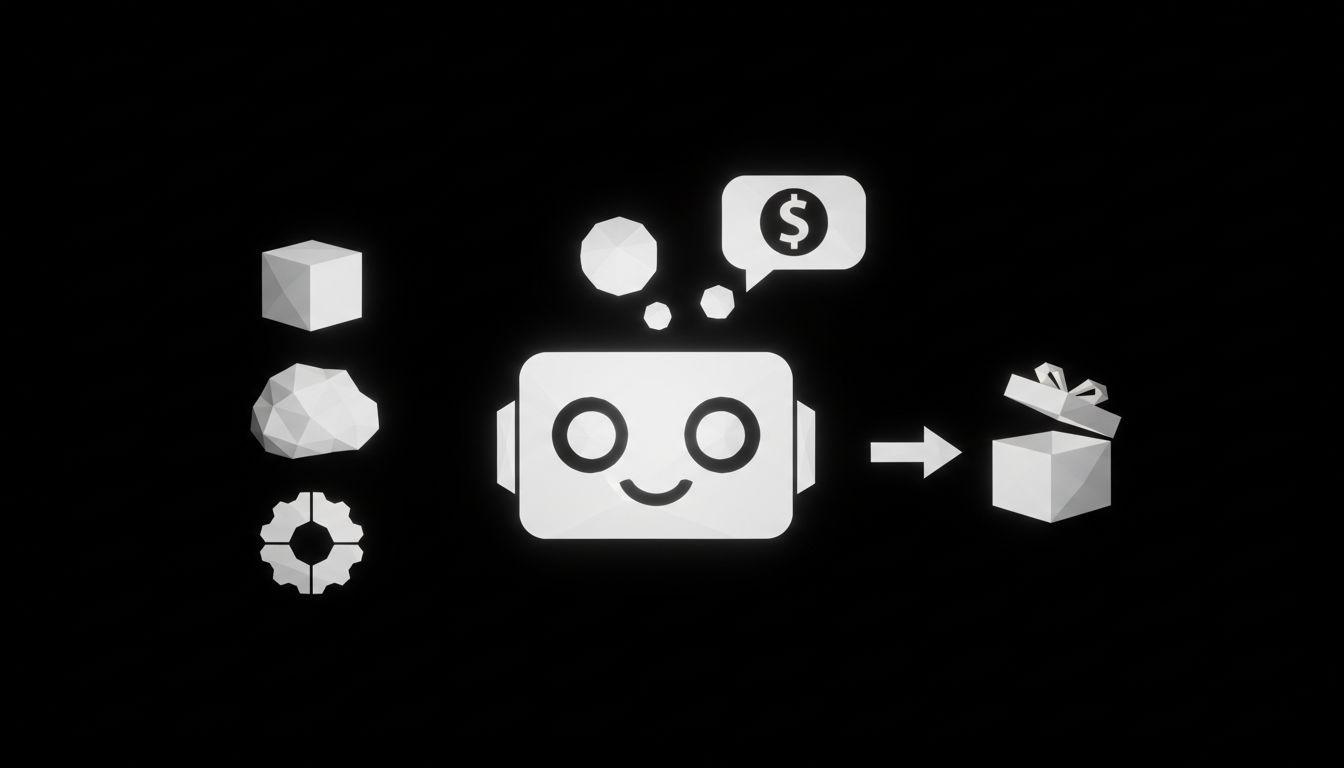
At the simplest level, chatbots are software that simulate conversation. They can work through text or voice, and IBM describes the term as the broad umbrella for anything from rigid menu-driven bots to modern conversational AI. AI chatbots go a step further because they use natural language processing and natural language understanding to interpret what a person means, not just the exact words they typed. Virtual agents are the more advanced version, since they can understand free-flowing language and also automate tasks. (ibm.com)
That difference matters in practice. A basic chatbot can answer a narrow list of questions. A better AI chatbot can guide a visitor toward a demo, a quote, a booking, or a purchase. A virtual agent can do that while also pulling in CRM data, handing off to a human, or completing simple actions on the user’s behalf. That is why chatbots are useful in both marketing and operations, not just customer service. (ibm.com)
For businesses, the appeal is simple. Chatbots can be always on, they can handle many conversations at once, and they can keep repetitive work out of your team’s queue. IBM also notes that they can improve customer engagement, reduce costs, and free employees from repetitive tasks. (ibm.com)
How chatbots work behind the scenes
Most chatbots follow one of three patterns.
Rule-based chatbots follow predefined paths. They work well when the questions are predictable, like store hours, pricing, or order status. The tradeoff is rigidity, because they struggle when users ask something unexpected. (ibm.com)
AI chatbots use NLP and NLU to interpret intent, even if the user types naturally, makes a typo, or phrases the same question in a different way. (ibm.com)
Generative AI chatbots can create new responses and content, which makes them more flexible for open-ended conversations. IBM says this newer generation can recognize, summarize, translate, predict, and create content in response to a user query. (ibm.com)
The real secret is context. Google Cloud explains that contexts help the bot understand what a user is referring to, and follow-up intents let the conversation continue cleanly when the next response depends on the previous one. If the bot does not understand the message at all, fallback intents take over and give the bot a way to recover. (cloud.google.com)
That is why a chatbot should be designed like a conversation, not a script. The best ones know what they are trying to do, what they can answer confidently, and when they need to hand off.
The main types of chatbots
If you are choosing a chatbot for a business, the right choice usually comes down to how messy the conversations are and how much work the bot needs to do.
Rule-based chatbot: Best for simple, repetitive questions and very controlled flows. This is the cheapest and fastest to launch, but it breaks down when people ask in their own words. (ibm.com)
AI chatbot: Best for support, sales, and lead gen when users ask the same thing in many different ways. It is more flexible and usually a better fit for real customer conversations. (ibm.com)
Virtual agent: Best when the bot needs to do more than answer. These systems can automate tasks, connect to tools, and assist customers or employees across channels. (ibm.com)
Generative AI chatbot: Best when you need open-ended conversation, richer responses, or a more natural back-and-forth. It is powerful, but it needs guardrails because flexibility can create new risks. (ibm.com)
For most lead generation and customer support teams, the sweet spot is usually an AI chatbot or a virtual agent. That is where flexibility, speed, and control overlap.
If you are mapping this to a growth funnel, our Automated Lead Generation service is built around that exact idea.
Where chatbots drive growth in marketing, sales, and support
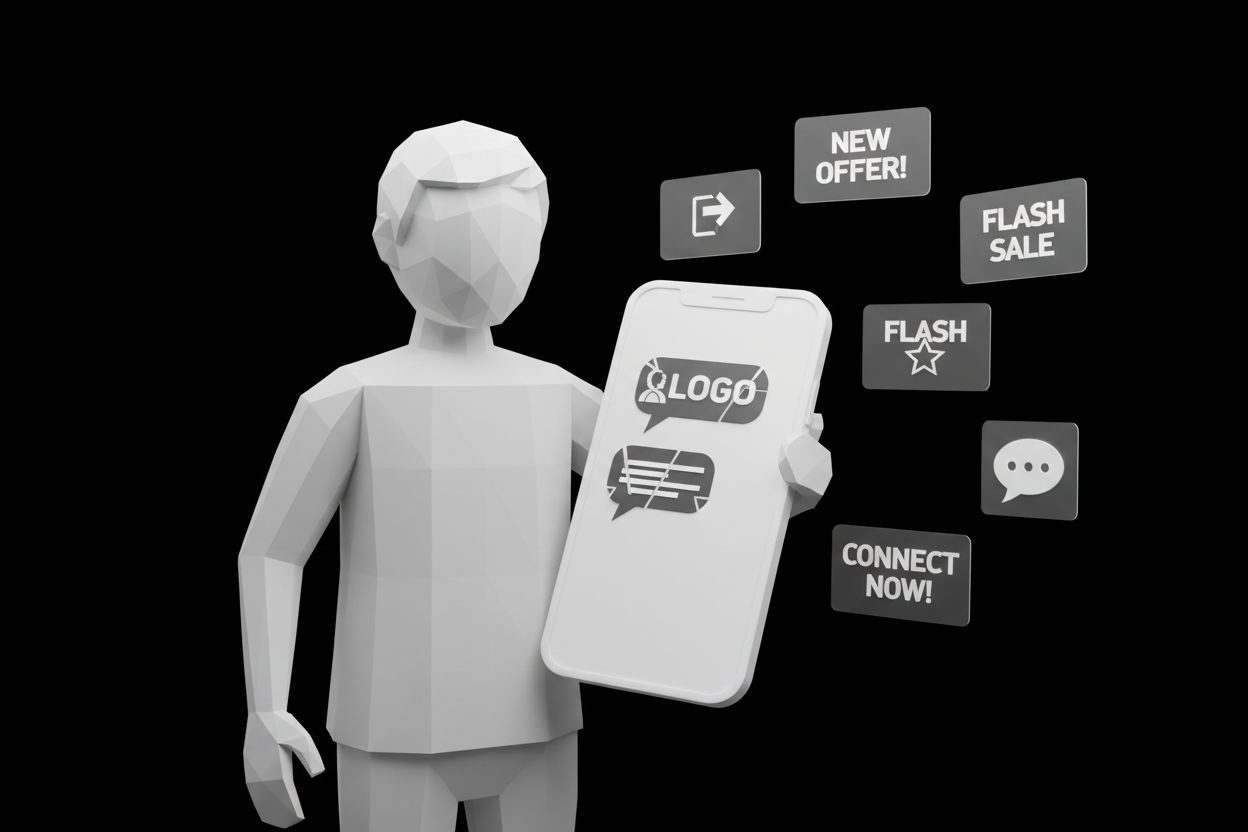
Chatbots are most valuable when they sit where demand already exists. That is why they work so well on websites, in DMs, inside ad funnels, and in social channels where people are already asking questions.
Meta says click-to-message ads can send people from Facebook and Instagram straight into Messenger, Instagram Direct, or WhatsApp, and lead ads that click to message can qualify prospects directly in chat. Meta also says 1 billion people message a business each week on its platforms and 600 million conversations happen between people and businesses every day across Meta technologies. (facebook.com)
TikTok is moving in the same direction. Its AI Chatbot for Business, also called TikTok Lead Genie, responds in direct messages, collects leads, and keeps the conversation going 24/7. TikTok also says that replying within three minutes can increase conversions by 2.2 times, which is a strong reminder that speed still wins in social commerce. (newsroom.tiktok.com)
That is why chatbots are such a strong fit for paid social. Someone clicks an ad, asks a question, and then gets a response before interest fades. If your team runs Meta or TikTok campaigns, this is where Paid Ads Management and Automated Social Media start to make sense as part of the same system.
The use cases are broader than lead capture too. IBM lists customer service, personalized recommendations, marketing, financial forms, healthcare intake, and automated reminders among typical chatbot use cases. In other words, a chatbot can support almost any part of the buyer journey if the conversation is designed well. (ibm.com)
How to build a chatbot that actually converts
A good chatbot starts with one job. If you try to make it answer everything, it will usually do nothing well.
1. Define the outcome first
Pick one measurable goal before you write a single prompt or intent. That goal might be booked demos, qualified leads, support deflection, or order tracking. IBM notes that build time depends on complexity, data availability, integrations, and desired features, so a focused scope makes the project easier to launch and improve. (ibm.com)
2. Choose the right bot type
If the conversation is simple, rule-based might be enough. If people ask the same question in many different ways, AI chatbots are usually a better fit. If the bot needs to take action, such as creating a ticket, booking a meeting, or pulling account data, a virtual agent is usually the better model. (ibm.com)
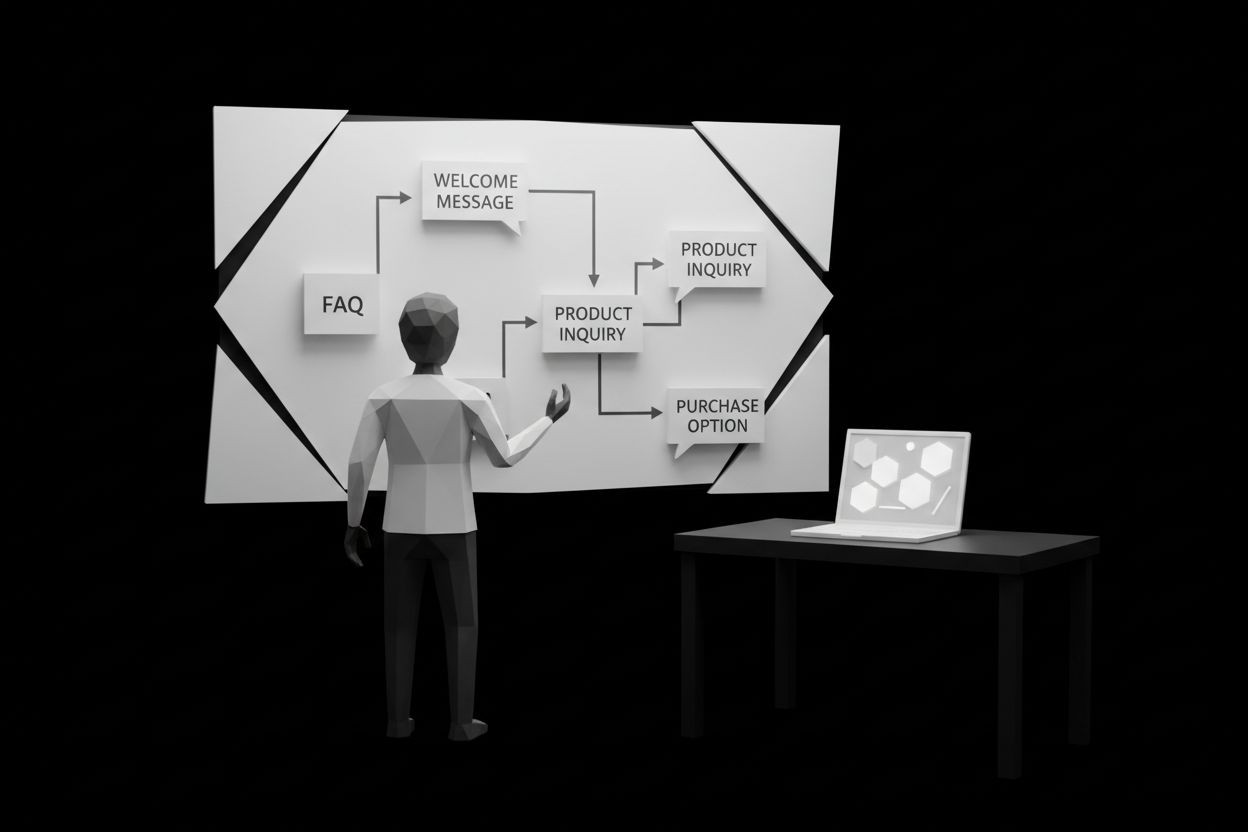
3. Map the conversation flow
Write the likely user paths before you build. Google’s documentation on contexts and follow-up intents shows why this matters. Conversations depend on what happened one turn earlier, so the bot needs to know what the user is referring to and what should happen next. (cloud.google.com)
4. Build the knowledge source
Your chatbot is only as good as the information behind it. For most businesses, that means a clean FAQ set, product pages, policies, help center content, and approved sales answers. If the bot will access CRM or customer data, keep that data structured and controlled.
5. Add fallback and handoff from the start
Do not wait for the bot to fail before you plan recovery. Google recommends fallback intents when the bot cannot match the user input, and IBM says a chatbot needs to fail elegantly or it will lose trust fast. In a sales flow, that means giving the user a clear next step, such as talking to a person or booking time with the team. (docs.cloud.google.com)
6. Connect it to the rest of your stack
This is where chatbots start to create real business value. Connect the bot to your CRM, inbox, scheduling tool, or support desk so it can tag the lead, book the call, or create the ticket. If you want a closer tie between the bot and your funnel, our Automated AI Chat Agents page is a useful next step.
7. Test with real prompts
Use actual ad copy, live website questions, and customer language in testing. People do not type like a product team. They type like themselves. The more real your test inputs are, the more useful the bot will be after launch.
Conversation design that keeps people moving
Good chatbot UX is usually invisible. Users should feel guided, not trapped. Microsoft recommends giving a bot a clear persona, explaining what it can do in the welcome message, and supporting simple messages like Hi, Help, and Thanks. IBM adds that a chatbot should have a clear interaction design, know when to escalate, and recover gracefully when it is wrong or off topic. (learn.microsoft.com)
In practice, that means keeping responses short, using plain language, and making the next step obvious. If the bot asks a question, it should be because the answer helps move the conversation forward. If it cannot help, it should say so clearly and route the user to a human. That one design choice is often the difference between a helpful assistant and an annoying loop.
The same idea applies to brand voice. A chatbot should sound like your brand, but not like a marketer wrote every line to impress other marketers. Friendly is good. Clear is better. Fast is best.
How to measure chatbot ROI
The right metrics depend on the job, but the good news is that modern platforms already surface useful signals. Google Dialogflow CX analytics can track escalations, pages with many no-matches, and webhook failures, while Microsoft dashboards show metrics like total conversations, escalations, bot escalation rate, and CSAT-style feedback. (cloud.google.com)
For growth teams, the most useful metrics usually include:
Conversation start rate
Lead qualification rate
Booked meeting rate
Conversion rate from chat to sale
Escalation rate to a human
No-match rate
Average response time
Cost per qualified lead
For paid social, do not stop at the click or the message. Track how many people move from ad to conversation, then from conversation to qualified lead, then from lead to sale. That is where chatbots stop being a support tool and become a revenue tool.
If you need a bigger framework for connecting automation to growth, the Lead Generation and Marketing Automation Guide for 2026 Success is a good companion piece.
Common chatbot mistakes to avoid
Most chatbot failures come from a few repeat problems.
Unclear goals: If the bot is trying to do too much, it becomes hard to design and even harder to improve.
Too many intents at launch: Start narrow and expand after you see real usage.
Weak fallback handling: If the bot cannot recover from a missed answer, users will leave quickly. (docs.cloud.google.com)
No human handoff: Some conversations need a person, especially when the user is frustrated or ready to buy.
Stale content: If your pricing, policies, or product details change and the bot does not, trust drops fast.
Overpromising AI: A chatbot should be accurate first and clever second.
A simple rule helps here. If the bot cannot answer confidently, it should not guess. It should clarify, recover, or escalate.
Security, privacy, and governance basics
Chatbots that handle customer data need guardrails. IBM warns that generative AI chatbots can create security risks, including data leakage, confidentiality issues, and privacy or compliance concerns when sensitive information is entered into the model. Google Cloud’s Dialogflow CX security settings also show why conversation data needs careful redaction and retention controls at the project level. (ibm.com)
A practical governance checklist should include:
Limit what the bot can see
Redact personal data where possible
Restrict who can edit intents, prompts, and answers
Keep audit logs and review them regularly
Define escalation rules for sensitive topics
Review outputs after launch, not just before launch
If you are in a regulated industry, align the chatbot with your internal privacy and approval process before it goes live. That is easier than retrofitting trust later.
FAQ about chatbots
Are chatbots AI?
Not always. IBM distinguishes between basic chatbots, AI chatbots, and virtual agents. Some bots follow fixed rules, while others use NLP, NLU, and machine learning to understand language and act more naturally. (ibm.com)
What is the difference between a chatbot and a virtual agent?
A chatbot is the broad term for software that simulates conversation. A virtual agent usually goes further by understanding language more flexibly and automating tasks, not just answering questions. (ibm.com)
How do chatbots learn?
AI chatbots learn from training data, intents, contexts, and ongoing improvement. Google’s documentation shows how contexts and follow-up intents help the bot understand what the user means from one turn to the next. (cloud.google.com)
Can chatbots help with lead generation?
Yes. Meta’s click-to-message ads and lead ads that click to message are designed to start conversations and qualify leads in chat, and TikTok’s AI chatbot for business is built to respond instantly and collect leads inside DMs. (facebook.com)
Are chatbots safe for customer data?
They can be, but only if you treat data carefully. IBM warns that generative chatbots can create leakage and privacy risks, and Google offers redaction and retention settings for conversation data. (ibm.com)
Can chatbots replace customer service agents?
Usually not. The best chatbots handle repetitive questions, collect information, and move people to the right place faster. Human agents still matter for edge cases, complex sales, and sensitive conversations. (ibm.com)
The best chatbots do not try to replace your team. They remove friction, qualify demand, and make human conversations better. If you want help turning that into a real growth system, start with Automated AI Chat Agents, then layer in Automated Lead Generation and Paid Ads Management.