AI Tools for Business Automation: A Practical Guide to Scaling Leads, Support, Content, and Ads
Discover how AI tools for business automation streamline lead generation, AI chat agents, social media, and Meta/TikTok ads with a step by step roadmap and ROI examples.
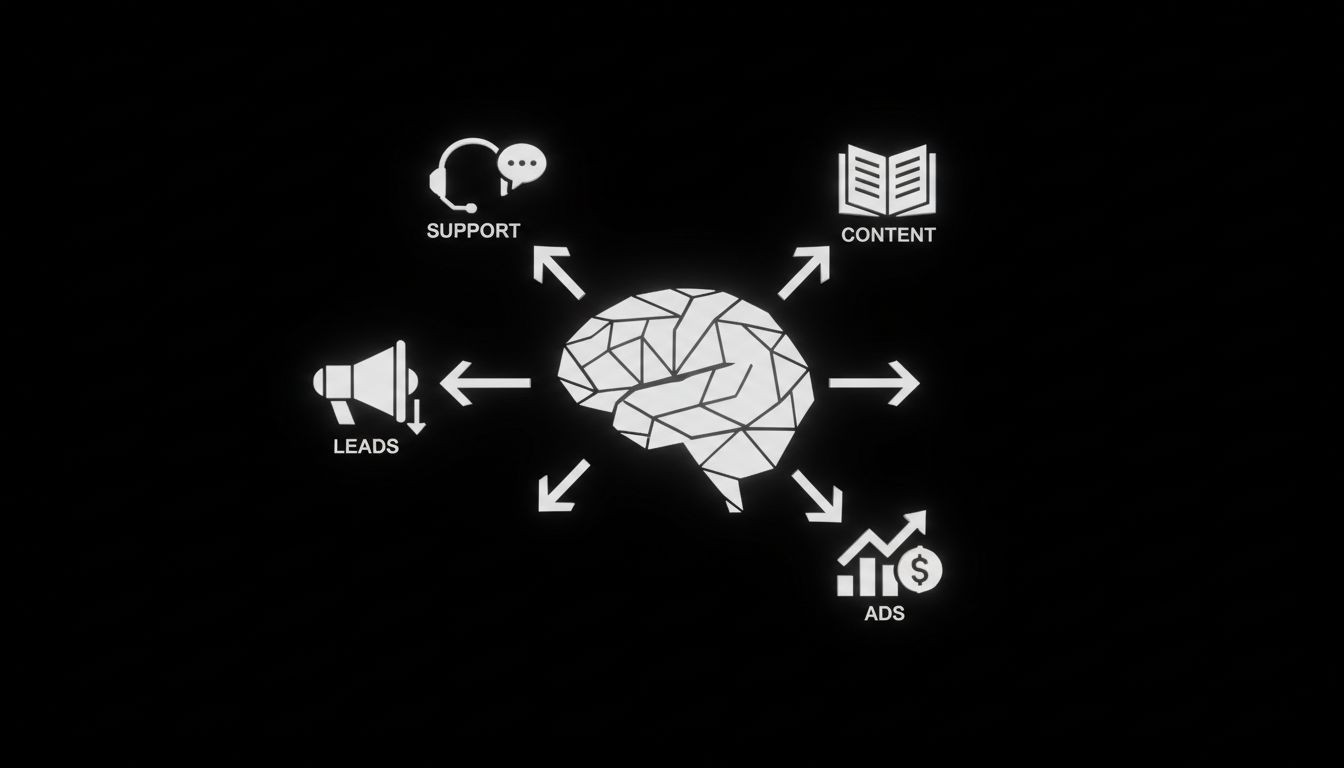
Manual tasks that once ate hours of the workday can now run automatically while your team focuses on strategy. AI tools for business automation are no longer niche. They connect large language models, visual workflow builders, and no-code integrations to turn messy processes into repeatable, measurable systems that drive leads, improve customer support, and scale ad performance across Meta and TikTok.
This guide walks through what these tools are, which platforms to consider, a decision framework to pick the right tool, an implementation roadmap you can use week by week, and practical examples for lead generation, AI chat agents, social media, and ad automation. If you want actionable steps that a marketing or operations leader can apply this month, keep reading.
What are AI automation tools?

AI automation tools combine automated workflows with artificial intelligence components. At their core they do two things: move data and make decisions. Movement happens through connectors and APIs that pass information between apps. Decision making comes from AI modules such as large language models, classification models, or custom logic.
Key characteristics:
Integrations: connectors to email, CRM, ad platforms, chat, spreadsheets, and databases.
AI components: LLMs for text generation and understanding, models for classification and prediction, and agents that can execute multi-step tasks.
Builders: visual, no-code or developer-friendly interfaces for composing workflows.
Observability: logs, retry policies, monitoring, and execution metrics.
How these differ from traditional automation
Traditional automation is rule based and rigid. AI automation adds context sensitivity and natural language understanding. For example, a rule-based system routes tickets based on keywords. An AI-enabled workflow can read the entire message, summarize intent, enrich the ticket with CRM data, and suggest next steps for agents.
When to pick AI-first automation
Choose AI-first when tasks require language understanding, personalization at scale, or when buffer steps need judgement calls. Examples include auto-summarizing customer conversations, generating ad variations tailored to audience segments, and qualifying leads from chat conversations.
Why businesses adopt AI tools for business automation
AI automation reduces repetitive work and improves speed and personalization. The most common business benefits are:
Faster lead response, which increases conversion rates.
Scaled content creation for social and SEO without multiplying headcount.
Smarter ad creative testing and budget optimization for Meta and TikTok.
Higher first contact resolution through AI chat agents and ticket triage.
Data enrichment and routing that boost sales efficiency.
Real outcomes you can expect in six months:
20 to 50 percent faster lead response time.
15 to 40 percent increase in qualified lead volume if lead scoring and enrichment are automated.
10 to 30 percent improvement in ad ROI when creative testing and bidding are automated.
Top AI tools for business automation in 2026
Below are practical tool picks with short notes on where each shines. This is not exhaustive, but it covers tools that work at different company sizes and technical comfort levels.
Zapier - Best for non-technical teams
Use case: simple cross-app automations for CRM, email, forms, and social posts.
Why choose it: very large integration library and many templates for marketing and sales use cases.
Considerations: limited advanced AI capabilities out of the box, but integrates with LLM APIs.
Make (Integromat) - Best for visually complex workflows
Use case: multi-step automation with branching logic and data transformation.
Why choose it: strong visual builder for non-developers who need complex flows.
Considerations: execution pricing can grow with high frequency tasks.
n8n - Best for open source and self-hosting
Use case: teams that need full control over data and want to avoid vendor lock in.
Why choose it: self-host option, code nodes for custom logic, and privacy controls.
Considerations: requires more ops work for hosting and scaling.
Workato - Best for enterprise automation
Use case: mission critical workflows with advanced governance and prebuilt enterprise connectors.
Why choose it: built for security, compliance, and complex transaction automation.
Considerations: higher price point aimed at larger teams.
Pipedream - Best for developer-first integrations
Use case: custom API integrations and event-driven workflows that require code.
Why choose it: supports JavaScript/TypeScript and can host serverless components.
Considerations: less friendly for non-developers, but very flexible.
OpenAI / Anthropic / Gemini (LLMs) - Best for text understanding and generation
Use case: powering chat agents, summarization, lead qualification, and ad copy generation.
Why choose it: advanced language understanding, with ability to build custom prompts and fine tuning.
Considerations: costs scale with usage, and governance is essential to prevent bad outputs.
ManyChat / Tidio - Best for AI chat agents and messaging automation
Use case: chat flows for lead capture, reengagement, and customer support across web, WhatsApp, and Messenger.
Why choose it: built-in chat templates, audience segmentation, and ad-to-chat funnels.
Considerations: combine with LLMs for richer conversational experiences.
AdCreative.ai / Revealbot - Best for ad creative and campaign automation
Use case: generate creative variations and automate testing on Meta and TikTok.
Why choose it: focus on producing many creatives and automating performance rules to pause or scale ads.
Considerations: creative quality still benefits from human review.
Jasper / Copy.ai - Best for content and SEO at scale
Use case: blog drafts, ad copy variants, social captions, and SEO meta descriptions.
Why choose it: fast content generation and templates for marketing teams.
Considerations: needs human editing for accuracy and brand voice.
Segment / Fivetran combined with downstream models - Best for data-driven automation
Use case: unify customer events and feed models that drive personalization and automation decisions.
Why choose it: supports advanced personalization and analytics.
Considerations: requires data engineering and governance to scale safely.
How to choose the right AI tools for your business
A simple scorecard helps compare options across business needs. Score each tool 1 to 5 on the following dimensions, then multiply by weight.
Integration coverage (weight 3)
Ease of use for non-technical staff (weight 2)
AI capability for your use case (weight 3)
Security and compliance (weight 2)
Total cost of ownership (weight 2)
Example: If integration coverage scores 4, multiply by 3 to get 12 points. Add all weighted scores to pick the top tool for your priorities.
Decision rules to consider
If you need enterprise security and prebuilt connectors, favor Workato.
If you want a no-code team to move fast, favor Zapier or Make.
If you need self-hosting and data control, favor n8n.
If you have developer resources and need custom APIs or event-driven logic, favor Pipedream.
Implementation roadmap: a 12-week plan
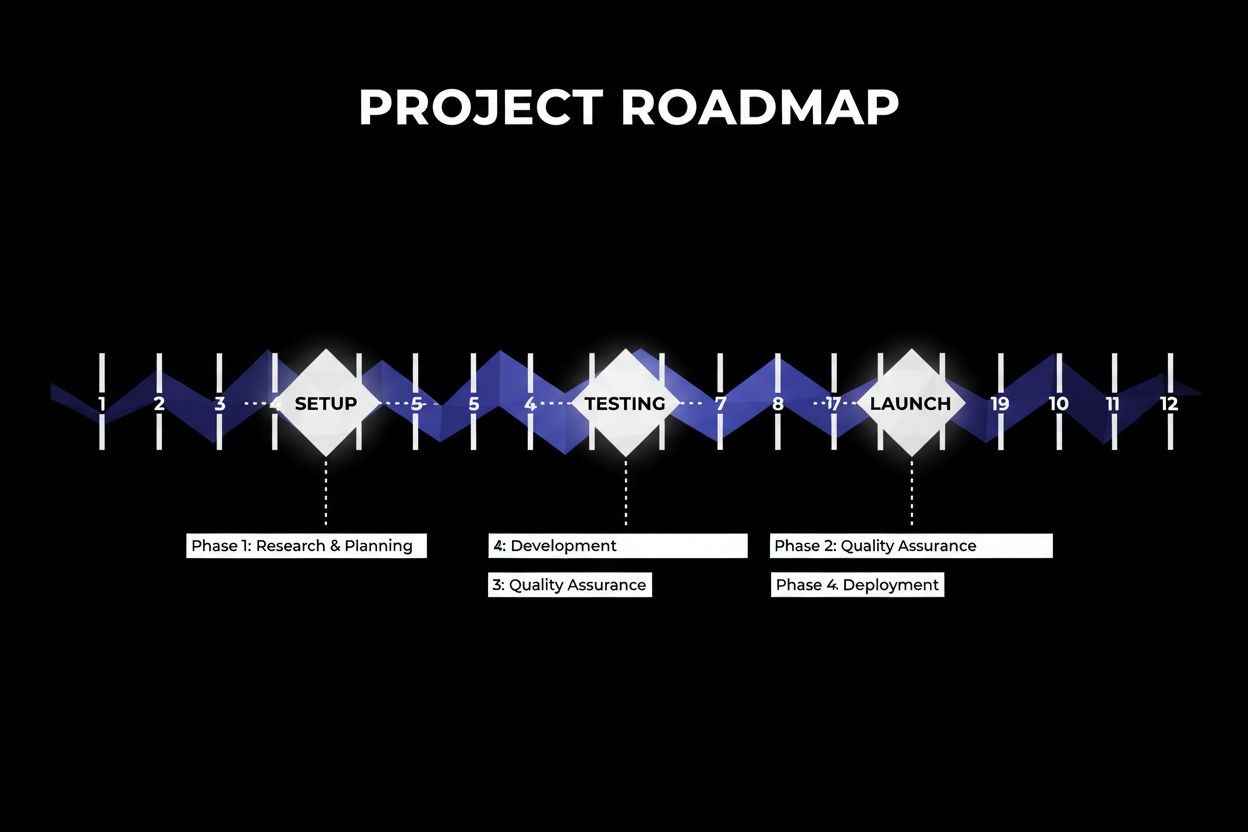
Week 1-2: Discovery and prioritization
Map the end-to-end process you want to automate.
Identify data sources, frequency, and success metrics such as lead response time or ad CPA.
Validate legal and compliance needs like GDPR or HIPAA.
Week 3-4: Prototype and choose tools
Build a minimum viable automation for one use case, for example, auto-enriching leads and sending a Slack alert.
Test with real data for edge cases.
Week 5-6: Integrate AI components
Add LLM prompts for summarization, lead scoring, or ad copy generation.
Set safety nets: explicit prompt constraints and human review queues.
Week 7-8: Test and refine
Run a closed pilot with a small subset of traffic or leads.
Measure false positives, failed executions, and user feedback.
Week 9-10: Rollout and training
Gradually increase traffic and document runbooks for operators.
Provide training sessions for the team and a single source of truth for workflows.
Week 11-12: Monitor, optimize, and scale
Add alerts for failure rates and regressions in model output quality.
Begin template creation and automation cataloging so new teams can reuse workflows.
Use cases and practical examples
Lead generation
Automate qualification by combining web forms, LLM-based intent detection, CRM enrichment, and instant outreach. Example flow: form submission -> enrich with company data -> LLM classifies lead quality -> high-quality leads routed to sales with an auto-generated brief.
Learn more about automated lead capture and nurturing in our Automated Lead Generation - The Social Search service page.
AI chat agents and support
Use chat platforms to capture questions, let an LLM attempt the answer, and escalate to humans for complex issues. Add a transcript summarization step so support agents get the gist instantly. For help implementing conversational bots, see our Automated AI Chat Agents - The Social Search offering.
Social media with AI
Automate content calendars, generate caption variants, and schedule posts while feeding performance data back into models to refine future posts. Teams often couple a content generation AI with scheduling automations to publish optimized content across channels. For tailored social media automation services, check Automated Social Media - The Social Search.
Running Meta and TikTok ads
Automate creative generation, A/B testing, and bid rules. A typical system auto-creates ad variants, launches tests, and applies rules to pause losers and boost winners. Combine this with an automated reporting pipeline so performance decisions are data driven. Our Paid Ads Management - The Social Search page explains how to pair automation with ad strategy.
Content and SEO automation
Automate draft generation for blogs, outline creation, and meta description production. Use a human-in-the-loop review to ensure quality and brand voice. For integrating content automation with SEO, see Automated SEO - The Social Search.
Risks, governance, and failure handling
Plan for failures and governance from day one.
Fallbacks: always design a human fallback for critical decisions. If an LLM cannot confidently classify a lead, route it to a human.
Monitoring: log model inputs and outputs and set alerts for unusual patterns or error spikes.
Bias and audit: sample outputs regularly and run bias checks for sensitive workflows such as hiring or credit decisions.
Compliance: maintain data maps, consent records, and encryption for regulated data.
Vendor lock in: choose tools that support exportable logs and allow for migration paths.
When automation fails
Maintain a runbook that lists immediate steps: pause the workflow, notify stakeholders, revert to manual if needed, and root cause the failure.
Run a postmortem within a week and publish lessons learned to avoid repeat issues.
Preventing automation from replacing your team
Design automation to augment work. Use AI to handle repetitive tasks and free human employees for complex, creative, or relationship-driven work. Communicate clearly with teams about role shifts and provide retraining paths.
Measuring ROI and expected timelines
Simple ROI example for lead qualification automation
Current monthly qualified leads: 200
Current conversion rate from qualified lead to sale: 10 percent
Average deal value: $2,000
New conversion increase from automation: 20 percent relative increase
New qualified leads or conversion impact calculation:
New conversion rate: 12 percent
Additional monthly sales: 200 * (12% - 10%) = 4 sales
Monthly revenue uplift: 4 * $2,000 = $8,000
Payback timeline
Small business (1-10 employees): expect payback in 3 to 6 months if automation replaces contractor hours or improves ad ROI.
Mid-market (10-250 employees): expect payback in 6 to 12 months after data consolidation and tooling costs.
Enterprise (250+ employees): expect payback in 12 to 24 months but with larger absolute gains.
FAQs
Q: How do I know if my business is ready for AI automation?
A: If you have repetitive tasks, clear data sources, and measurable KPIs you want to improve, you are ready to pilot. Start small and validate with one use case.
Q: What is the learning curve for non-technical teams?
A: For no-code platforms, basic automations can be built in days. More complex, AI-enhanced automations require 4 to 8 weeks for prototypes and training.
Q: Can I combine multiple AI automation tools?
A: Yes. It is common to combine an orchestration tool like Make or n8n with an LLM provider and a chat platform. Design clear data contracts and monitoring across systems.
Q: How do I audit AI automation for bias and errors?
A: Sample outputs regularly, compare model decisions to human decisions, and implement corrective training. Keep a log of decisions to enable retrospective audits.
Q: What happens when AI automation fails?
A: Have a human fallback and a pause mechanism. Run a root cause analysis and fix the model or business rule causing the failure.
Next steps and resources
Start with a single high-value pilot such as lead qualification, chat automation, or ad creative testing. Use the 12-week roadmap to scope your project and apply the decision framework to choose the right tools.
If you want help mapping a pilot or building a playbook, contact a specialist who can run a discovery session and deliver a prioritized automation plan. Visit our contact page to book a consultation.
Summary
AI tools for business automation unlock scale, speed, and personalization when they are applied thoughtfully. Prioritize outcomes, start with a focused pilot, and build governance and monitoring into every workflow. With the right approach you can improve lead flow, automate customer support, scale social media, and optimize paid ads on Meta and TikTok while keeping your team in control.