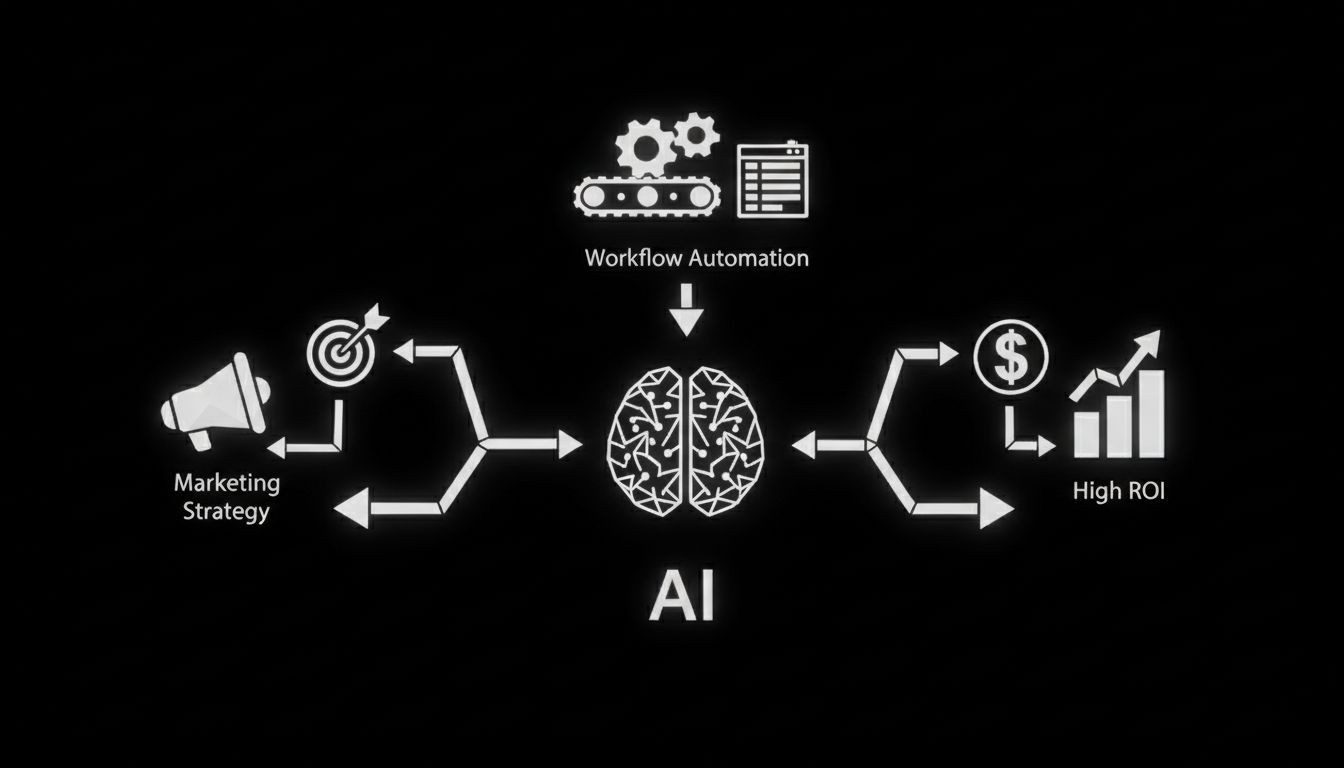
AI Marketing Workflows Setup: A Practical Guide to Building High-ROI Automation
Practical guide to AI marketing workflows setup with step by step templates, tool choices, API tips, privacy checks, and ROI examples for social and ads.
You can get far more done with the same team when you design AI-driven processes that are reliable, measurable, and easy to iterate. This guide walks through a simple mental model, five ready-to-use workflows for content, social, chat agents, and ads, plus step-by-step setup instructions, troubleshooting tips, and a short ROI worksheet you can copy and use.
Why AI marketing workflows setup matters now
Companies that adopt AI workflows reduce repetitive work, scale personalization, and speed up testing cycles. Smart automation frees your team to focus on strategy, creative direction, and high-value customer interactions. Use cases range from content production to ad creative testing to real-time chat qualification. The key is not to automate everything. The key is to automate the right tasks while keeping human oversight where it matters most.
A simple framework to design AI marketing workflows
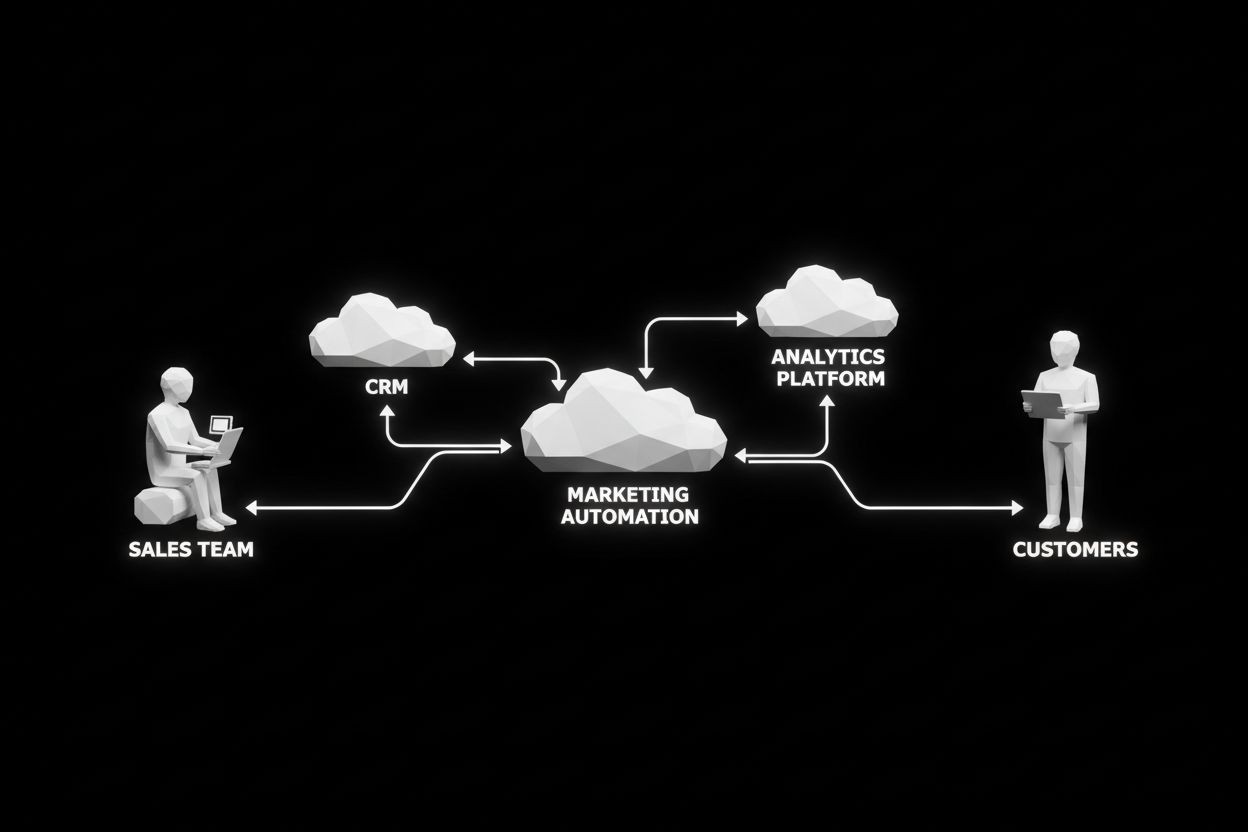
Start with a lightweight mental model you can apply to any campaign or channel. Use three layers to keep responsibilities clear:
Director: sets goals, KPIs, guardrails, and brand voice. This is your marketing lead or growth head.
Manager: designs and monitors the workflow, handles exceptions, and approves outputs. This can be a campaign manager or marketing ops role.
Individual Contributor or tool: carries out repeatable tasks. This is where AI models, integrations, and junior staff live.
Combine this hierarchy with an Input, Process, Output pipeline:
Input: data, creative briefs, audience segments, product details.
Process: AI prompt engineering, model calls, human review, integration steps.
Output: published posts, ad creatives, qualified leads, reports.
Add three cross-cutting elements to every workflow:
Human QA checkpoints for brand voice and legal compliance.
Fallback logic when AI output fails or returns low confidence.
Measurement hooks to capture time saved and conversion lift.
This framework keeps workflows modular and easier to debug when something breaks.
Five practical workflows to set up today

Below are five high-impact workflows you can implement with off-the-shelf tools, plus prompts, integrations, and measurement ideas.
1) Content creation pipeline for blogs and landing pages
What it automates: outline generation, first draft, SEO optimization, meta descriptions, and CMS scheduling.
Tools to use: ChatGPT or Claude for drafts, Surfer or an SEO tool for keyword guidance, Notion or Google Docs for collaboration, Zapier or native CMS APIs for publishing.
Steps:
Director creates a short brief with goal, audience, keywords, and tone.
Manager uses a prompt template to generate a detailed outline.
AI generates draft, then an editor reviews and adjusts voice.
Use an SEO tool to score and iterate.
Publish through CMS integration and schedule social snippets.
Measurement: time to publish, organic traffic lift, conversion rate per page.
Helpful link: for automating content distribution and social snippets, see Automated Social Media - The Social Search.
2) Social media engine for daily posts and testing
What it automates: caption generation, hashtag suggestions, creative variants, and scheduled publishing.
Tools to use: GPT models for captions, an image generator for creatives, Buffer or Hootsuite for scheduling, Zapier for triggers.
Steps:
Define weekly themes and KPI per channel.
Use prompts to generate 5 caption variants per creative.
Run an A B test with two image-caption pairs and record CTR and engagement.
Promote top performers into a Meta or TikTok ads test pool.
Measurement: engagement rate, cost per click when promoted, reposts and saves.
Helpful link: if you plan to connect social automation with lead generation, check Automated Lead Generation - The Social Search.
3) AI chat agents for lead qualification and first response
What it automates: immediate lead responses, booking meetings, collecting prequalification data.
Tools to use: specialised chat agent platforms, in-house RAG stacks, or hosted services listed under Automated AI Chat Agents - The Social Search. Integrate with CRM like HubSpot.
Steps:
Build a concise knowledge base with product FAQs and policies.
Create intent maps to route conversations: sales, support, partnership.
Use a confidence threshold to escalate to a human. If confidence is below threshold, the bot should collect contact details and open a ticket.
Measurement: leads qualified, meetings booked, average response time, handoff success rate.
4) Ad creative generation and campaign testing on Meta and TikTok
What it automates: ad copy variants, creatives, short-form video scripts, and campaign-level A B tests.
Tools to use: GPT for scripts and copy, a video template tool for reels and TikTok clips, Meta Ads Manager and TikTok Ads via API or platform UI, and a tracking sheet in Google Sheets or a BI tool.
Steps:
Input: audience segments, product quick facts, and performance goals.
Process: generate 8 creative variations, shortlist 3 for initial tests, and run creative split tests.
Output: top performing creative scaled into prospecting and retargeting campaigns.
Measurement: cost per acquisition, creative engagement, frequency and ad fatigue metrics.
Helpful link: for professional management of paid media, see Paid Ads Management - The Social Search.
5) Performance reporting and automated insights
What it automates: daily or weekly reports, anomaly detection, and suggested next steps.
Tools to use: aggregation via Fivetran or built-in connectors, a BI tool for dashboards, and GPT for plain-language summaries.
Steps:
Pull data from ad platforms, analytics, and CRM.
Define baseline thresholds for key metrics.
Configure automated alerts for anomalies and an AI summary that recommends actions.
Measurement: time saved on report creation, speed of reaction to drops in performance, accuracy of AI recommendations.
Helpful link: use automated SEO and reporting to connect search performance with content workflows. See Automated SEO - The Social Search.
Step-by-step: a sample setup for social ads with AI

This walk-through uses ChatGPT for creative, a template video tool for short clips, and Zapier to coordinate assets into Meta Ads. Replace specific tools with equivalents if needed.
Prepare inputs
Create a short product brief: 30 words describing the product and the key benefit.
Choose audience segments and objectives in Ads Manager.
Generate creatives
Use prompt template: “Write 8 short hooks under 15 words for product X aimed at [audience]. Include one question format and one testimonial style.” Save all outputs.
For each hook, ask the model for a 15 second script and suggested B roll or imagery.
Produce assets
Feed scripts to a quick video template tool and produce 8 clips.
Export thumbnails and captions.
Automate upload
Use Zapier: when a new video file is placed in a specific folder, create a draft ad in Meta Ads Manager with the associated caption and thumbnail.
Launch and test
Start a creative test with even budget allocation across the 8 variants.
Run for a short learning window, usually 3 to 7 days depending on budget.
Scale winners
Promote top performers into full campaigns and adjust audience expansion. Keep weaker performers in a cold testing pool to avoid ad fatigue.
Measurement and ROI
Track cost per acquisition and creative engagement rates.
Use a simple ROI formula: (Incremental revenue from campaign minus total campaign cost) divided by total campaign cost.
Document both ads spend and estimated internal time saved by automation.
API integrations, error handling, and versioning
When you call models or third-party APIs, treat every external call as unreliable. Design these constructs into your workflow:
Authentication and refresh token handling. Use environment variables for secrets and rotate keys regularly.
Retry policy with exponential backoff for transient failures. If a request fails three times, route to a fallback human queue.
Validation of outputs. If a generated creative fails a brand compliance check or the confidence score is low, send the item to human review instead of publishing.
Version control. Tag prompt templates and model versions so you can roll back when output quality drops.
Logging and observability are vital. Store request, prompt, model version, and response for audits and troubleshooting.
Privacy, compliance, and risk management
Treat data privacy seriously. For workflows that process personal data, establish these controls:
Data minimization. Only send the data elements the model needs.
Consent capture. Log opt ins and provide ways to remove data on request.
Data residency. For EU customers, choose EU-hosted endpoints or anonymize data before sending.
Vendor reviews. Include AI providers in your third-party risk assessments and check their privacy policies.
Link useful policies or team pages like Privacy policy - My Framer Site when documenting internal procedures.
Troubleshooting: common failures and fixes
Problem: AI output does not match brand voice
Fix: Create a style guide and use example-based prompts. Add a human QA step before publishing.
Problem: Workflow stalls at integration step
Fix: Check API credentials, test endpoint response, and implement retries. Log failures to Slack or the manager inbox.
Problem: Ads underperform unexpectedly
Fix: Pause low performers, check attribution windows, and look for creative fatigue or audience saturation.
Problem: Data mismatch across tools
Fix: Ensure unique IDs flow between systems and reconcile with daily exports.
How to measure success and prove ROI
Set a measurement plan before launch:
Define primary KPIs: conversion rate, cost per acquisition, qualified leads, or engagement.
Track adoption KPIs: number of workflows in production, tasks automated, and time saved per week.
Use A B tests to quantify lift from AI-driven changes.
Simple ROI worksheet:
Hourly rate for human tasks x hours saved per month = labor savings.
Tool costs per month = subscription costs.
Incremental revenue attributable to workflow = tracked conversions x average order value.
ROI = (Incremental revenue plus labor savings minus tool costs) divided by tool costs.
Change management: getting the team on board
Start small. Run pilots with one campaign owner and one objective. Offer short training sessions and a playbook with prompt templates. Track adoption metrics and highlight wins in weekly team updates. Create a feedback loop so staff can flag poor outputs and request improvements.
For deeper support, point team members to your internal pages and contact links like Contact for service help or to request custom integrations.
Next steps and templates you can copy
Pick one workflow from this guide and run a 30 day pilot.
Use the Director, Manager, IC model to assign responsibilities.
Add logging and a human QA gate for the first two months.
Measure time saved and conversion lift, then iterate.
If you want hands-on help implementing AI marketing workflows setup for your team, explore service offerings for automated website creation and integrations at Automated Website Creation - The Social Search or request a scoped engagement through our ads and automation pages.
Closing
AI workflows unlock speed and scale when they are designed with clear human oversight, robust error handling, and measurable outcomes. Use the templates and steps above to build testable automations, keep a close eye on performance, and iterate quickly. With the right guardrails, you will reduce manual work, increase personalization, and move faster than competitors.
Further reading and resources
Learn more about CRM and AI-driven automation in our guide: What Is CRM in Marketing: A Complete Guide to Strategy, Automation, AI, and Growth - The Social Search
Browse more insights and updates at our blog and insights pages: Blog and Insights.
If you want a downloadable starter checklist or a prompt library, reach out through our contact page and we will share templates customized to your industry and budget.